


Workbot
Power users get deeper controls, while casual users can ignore them. The result is a tool that scales from quick one-off tasks to larger recurring workloads. It is a practical...
Sign in to rate this tool.
Overview
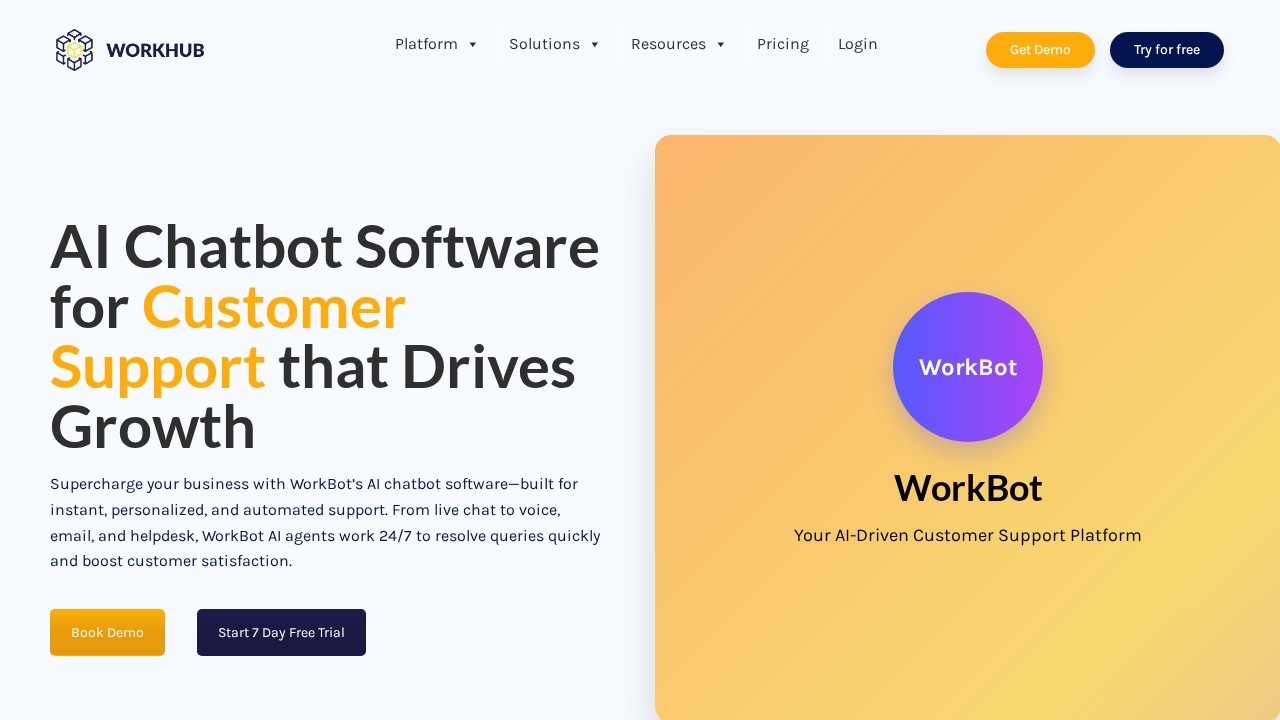
Workbot, located at https://workhub.ai, is an AI‑driven chatbot platform focused on customer support and automation. A free tier lets users test core features without a credit card, while paid tiers open up additional capabilities such as voice agents and advanced integrations. The tool is positioned for teams that need consistent, automated responses across chat, voice, and email channels, from small agencies to larger enterprises with complex workflows.
The main component is an AI assistant that you train by adding source material. A single “Add Sources” button opens a dialog where you can upload a PDF, insert a website URL, or link to a Google Drive folder. The assistant then indexes the content and uses it to answer questions in real time. A chat window on a website or in an app displays the conversation; each step is marked with a brief status indicator so you can see whether the bot is searching, parsing, or generating a reply. When a user asks a question that matches the trained content, the bot outputs a concise answer pulled from the source. If no match is found, it can ask for clarification or hand off to a human agent.
Voice support works through the separate WorkBot Voice Agent. Calls enter the system, the assistant generates spoken responses that mimic natural speech, and it can schedule follow‑up appointments. The interface shows an on‑screen timer and a call progress bar, so teams can monitor each inbound or outbound interaction. The platform also offers a preview of an email triage feature: incoming messages are automatically scanned for priority, a draft reply is generated, and the email is routed to the correct human agent or inbox. Once integrated with a CRM such as Salesforce, the system can pull ticket data, update customer records, and keep both channels in sync.
Workbot fits users who need a single pane to manage multiple support channels and who are comfortable uploading documents to create knowledge bases. It works well for agencies that deliver the same set of FAQs to several clients, or for companies that want to reduce repetitive answering tasks. The free tier may not provide the full set of voice or email functions, so larger operations with high call volumes might find it limiting until they upgrade.
Details
- Pricing
- Free
- Release date
- 2026-03-31
- Last checked
- 51m ago
- Indexing
- noindex, follow
- Category
- Automation
Suggest an edit
Sign in to suggest an edit.
Pros and cons
Pros
- Transparent source management lets you see precisely what the bot is using
- Multi‑channel support (chat, voice, email) from a single platform
- Extensive integration list reduces manual data transfer
Cons
- Paid tier required for full voice and email automation features (pricing not shown)
- Email triage still in preview; full rollout date unknown
- No published limits on conversation or file handling in the public listing
Alternatives
 Relay By Backops AIPower users get deeper controls, while casual users can ignore them. The result is a tool that scales from quick one-off tasks to larger recurring workloads. You will find a...
 Manifestly 3 0Low-code platform for automating recurring workflows and checklists with AI and integrations.
 ZapierZapier links more than 9,000 apps into automated workflows called Zaps, and now adds AI steps, Agents, Chatbots and an MCP server on top.
 Adpilot By PicsartPower users get deeper controls, while casual users can ignore them. The result is a tool that scales from quick one-off tasks to larger recurring workloads. It is a practical...
 AskyourdatabasePower users get deeper controls, while casual users can ignore them. The result is a tool that scales from quick one-off tasks to larger recurring workloads. Before you decide, skip...
 ChatboxPower users get deeper controls, while casual users can ignore them. The result is a tool that scales from quick one-off tasks to larger recurring workloads. The tool is free,...
 Chatcsv CoPower users get deeper controls, while casual users can ignore them. The result is a tool that scales from quick one-off tasks to larger recurring workloads. If ai chatbots tasks...
 Faraday AIPower users get deeper controls, while casual users can ignore them. The result is a tool that scales from quick one-off tasks to larger recurring workloads. It runs on a...
 MarsaiPower users get deeper controls, while casual users can ignore them. The result is a tool that scales from quick one-off tasks to larger recurring workloads. You will find a...
 Smart Keys For IosPower users get deeper controls, while casual users can ignore them. The result is a tool that scales from quick one-off tasks to larger recurring workloads. Smart Keys For Ios...
 Lamatic AILamatic AI is a focused ai coding solution that answers a clear need. You can see what it does within minutes of opening the page. Power users get deeper controls,...
 Adwisely ComPower users get deeper controls, while casual users can ignore them. The result is a tool that scales from quick one-off tasks to larger recurring workloads. If ai marketing tasks...