


Zapier
Zapier links more than 9,000 apps into automated workflows called Zaps, and now adds AI steps, Agents, Chatbots and an MCP server on top.
Sign in to rate this tool.
Overview
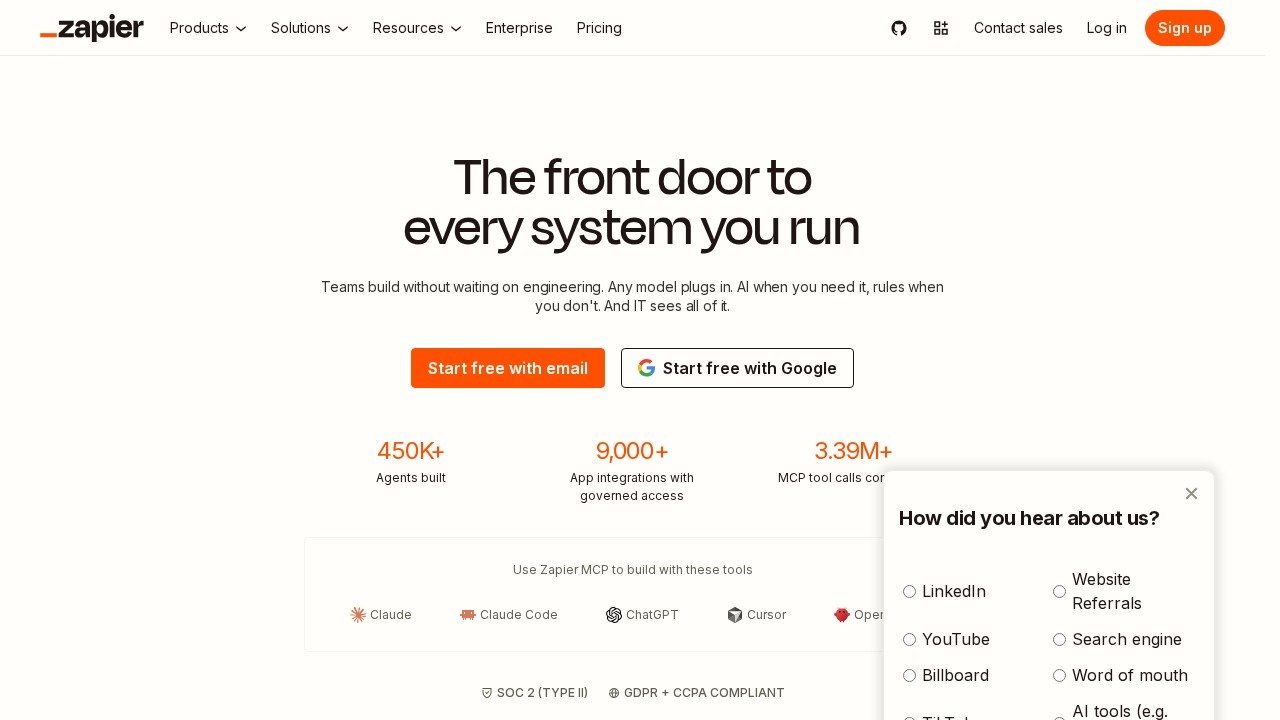
Zapier connects apps that don't talk to each other. A "Zap" is a workflow with a trigger (a new form entry, a paid invoice, a starred email) and one or more actions in other apps (add a CRM contact, post to Slack, create a task). Zapier lists more than 9,000 app connections, and that breadth is still its biggest selling point.
The AI side has grown a lot. Copilot builds Zaps from a chat description, "AI by Zapier" steps can extract data or write text inside a workflow without your own API key, and there are separate products for Agents (AI assistants that act across your apps), Chatbots, Canvas for mapping processes, plus Tables and Forms. Developers can use Zapier MCP to give tools like ChatGPT or Claude access to those same app connections.
How pricing works
You pick a plan level and a monthly task allowance. A task is one successful action step; triggers, failed steps and Zapier's built-in tools such as Formatter, Filter and Paths don't count. From the official pricing page in October 2026:
- Free: 100 tasks a month, two-step Zaps only, 15-minute polling.
- Professional: from $19.99/month billed annually ($29.99 monthly) for 750 tasks. Multi-step Zaps, premium apps, webhooks, AI steps, filters and paths, 2-minute polling.
- Team: from $69/month billed annually ($103.50 monthly) for 2,000 tasks. Up to 25 users, shared Zaps and connections, SAML SSO.
- Enterprise: custom.
Prices rise with task volume, up to 2 million tasks a month on self-serve plans. If you go over, pay-per-task billing can keep Zaps running at a higher rate (2.5× base on monthly plans, 1.25× on annual). Agents are billed separately in "activities," with 400 free a month. New accounts get a 14-day Professional trial with no card, and non-profits get an extra 15% off.
The honest trade-offs
Setup is simple and the app catalogue is hard to beat. Most mainstream SaaS tools are already in the catalogue. Error handling, version history and autoreplay on paid plans make it reasonable for business-critical workflows.
The catch is cost at scale. Multi-step workflows multiply tasks quickly, so a busy Zap can push you into higher tiers sooner than expected, and AI steps can cost more than one task each. The free plan's two-step limit also rules out most real-world workflows.
Best for small businesses, ops and marketing teams who want automation without writing code.
Alternatives
Bardeen automates work inside the browser. For AI agents specifically, compare Lindy and Relevance AI.
Details
- Pricing
- Freemium
- Release date
- 2025-07-09
- Last checked
- 15h ago
- Indexing
- index, follow
- Category
- Automation
Suggest an edit
Sign in to suggest an edit.
Alternatives
 Relay By Backops AIPower users get deeper controls, while casual users can ignore them. The result is a tool that scales from quick one-off tasks to larger recurring workloads. You will find a...
 ImagekitIf ai coding tasks are part of your routine, Imagekit is worth testing against your own use cases. Their website, imagekit.io, has the full details. It runs on a free...
 PostizIf ai marketing tasks take up too much of your day, Postiz is built to give you time back. It handles the heavy lifting while leaving you in control. Collaboration...
 Lamatic AILamatic AI is a focused ai coding solution that answers a clear need. You can see what it does within minutes of opening the page. Power users get deeper controls,...
 GlideGlide (GlideOS) turns your existing spreadsheets into internal business apps and agents, with SheetSense reading formulas and data before it builds.
 ManusManus is a general AI agent that plans and carries out multi-step tasks, from research reports to slides and websites, on a credit system.
 Respond IoCollaboration hooks are there too - simple ways to pass work between teammates without emailing files back and forth or losing track of versions. It is a practical choice for...
 Synthflow AIYou will find a free plan, making it easy to test the tool against your own needs first. The practical way to judge it is to use it. For anyone...
 Wotnot IoWotnot Io is a focused ai agents solution that answers a clear need. You can see what it does within minutes of opening the page. It also plays nicely with...
 Digits Accounting ReimaginedThe design favors clarity over decoration. Important options are visible when you need them, and progress through a ai business task feels obvious and predictable. You will find a free...
 Dhtmlx ChatbotThe tool is free, which keeps the barrier to entry low. You can try it before deciding whether it earns a permanent place in your workflow. For a straightforward look...
 AgentqlBuilt for ai agents work, Agentql combines capable AI with straightforward design. It is the kind of tool you can start using immediately. Rather than chasing every possible feature, Agentql...
Pros and cons
Pros
- Connects to more than 9,000 apps, so most tools you use are covered.
- Free plan gives 100 tasks a month with unlimited two-step Zaps.
- Built-in Tables and Forms don't count against your task allowance.
- New accounts get a 14-day Professional trial with no card needed.
- Paid plans let you add JavaScript or Python code steps inside workflows.
Cons
- Free plan only supports two-step Zaps and checks for new data every 15 minutes.
- Costs climb fast at higher task volumes, and monthly billing is much pricier than annual.
- Premium apps and webhooks are locked behind paid plans.
- AI steps can use several tasks each, which makes bills harder to predict.
Checked 2026-10-19. · zapier.com · zapier.com/pricing