


Granola
The AI notepad for back-to-back meetings. Notes, actions and memory. Without a meeting bot.
Sign in to rate this tool.
Overview
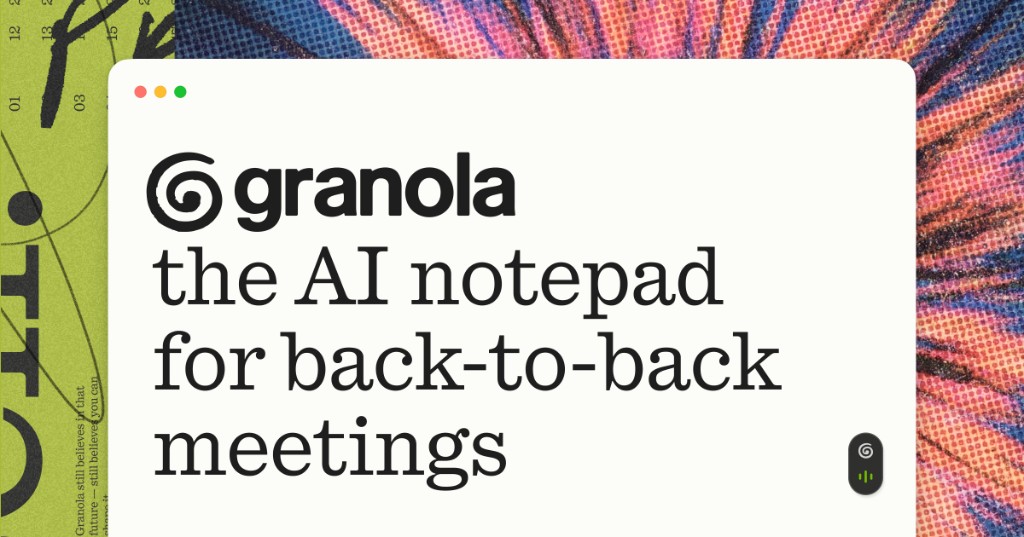
Granola is an AI notepad that records and organizes meeting information without a separate meeting bot. It runs on macOS, Windows, iOS, Android and Apple Watch, and listens to the audio from your computer or device. The result is notes, action items, and a brief that appears immediately after a meeting ends.
Before a call, Granola pulls your calendar and creates a Brief for each external meeting. The briefing lists attendees, references topics discussed in the last meeting, and highlights the current agenda items. This gives you context before you even speak. During the meeting you simply type or speak into the app. It captures everything in real time, so you can write as much or as little as you prefer. The notes are personal and stay private by default, but can be shared easily if you choose.
After the meeting ends, the transcript is processed instantly. The app produces concise notes and flags any action items. You can also pull a follow‑up email draft or a project plan from the same source. Because the data is based on the call audio rather than a separate bot, the information is accurate and only contains what you and your team decide to share. Granola works with any meeting platform, including Zoom, Google Meet, Microsoft Teams, and others.
The plugin supports a variety of exports: exported notes can be saved in plain text or copied to the clipboard for use in other tools. Users can control privacy settings directly from the interface, and enable sharing when needed. Integration with calendar apps allows the pre‑meeting Brief to be refreshed automatically, keeping the prep accurate as schedules change. When a meeting finishes, the app immediately generates actionable items, ensuring that no follow‑up slips through the cracks.
Key features
- Generates a pre‑meeting Brief from calendar data
- Captures notes and actions from computer audio in real time
- Produces instant post‑meeting notes and follow‑up emails
- Works with Zoom, Google Meet, Teams, and any other meeting app
- Private by default, with easy sharing controls
- Compatible with macOS, Windows, iOS, Android, and Apple Watch
Details
- Pricing
- Free
- Last checked
- 3h ago
- Indexing
- noindex, follow
- Category
- Meetings
Suggest an edit
Sign in to suggest an edit.
Pros and cons
Pros
- Instant transcription without a separate bot
- Pre‑meeting briefs reduce prep time
- Unified note and action item output
- Cross‑platform availability
Cons
- No published pricing information
- Limited detail on data residency or compliance policies
- Integration specifics for non‑Zoom/Teams platforms are not elaborated
Alternatives
 Fireflies.aiFireflies.ai records Zoom, Meet and Teams calls with a bot or app, then delivers searchable transcripts, summaries and action items.
 Read Speaker CoachIt may be useful to professionals exploring ai marketing workflows; suitability...
 AI Webcam Effects For Video MeetingsAI Webcam Effects For Video Meetings brings a fresh take on ai video generation tools, pairing powerful AI with an interface that does not get in the way. It is...
 Clipto ComAI-powered media management assistant with transcription, video editing, and asset management tools.
 Felo SubtitlesReal-time translation plugin for multilingual communication and live subtitles.
 Otter AIOtter.ai review (October 2026): AI meeting notetaker for Zoom, Teams and Meet, verified Basic, Pro and Business pricing, language support and privacy tips.
 SpeechpulseSpeech recognition and translation software for real-time typing, transcription, and subtitle generation.
 Good TapeAutomatic transcription service for audio and video files, focusing on speed and accuracy.
 GowhisperPrivacy-focused desktop app for local audio transcription.
 Final Round AIThe flexibility shows when the same tool is used to sketch a quick idea in the morning and to polish final work in the afternoon. Plenty of detail is tucked...
 EnconvoIt runs on a free model, so getting started is a low-risk decision. After a few sessions you will know quickly whether it fits. The flexibility shows when the same...
 Mindmap AI AppThe listing indicates the tool operates on a free...