


Sign in to rate this tool.
Overview
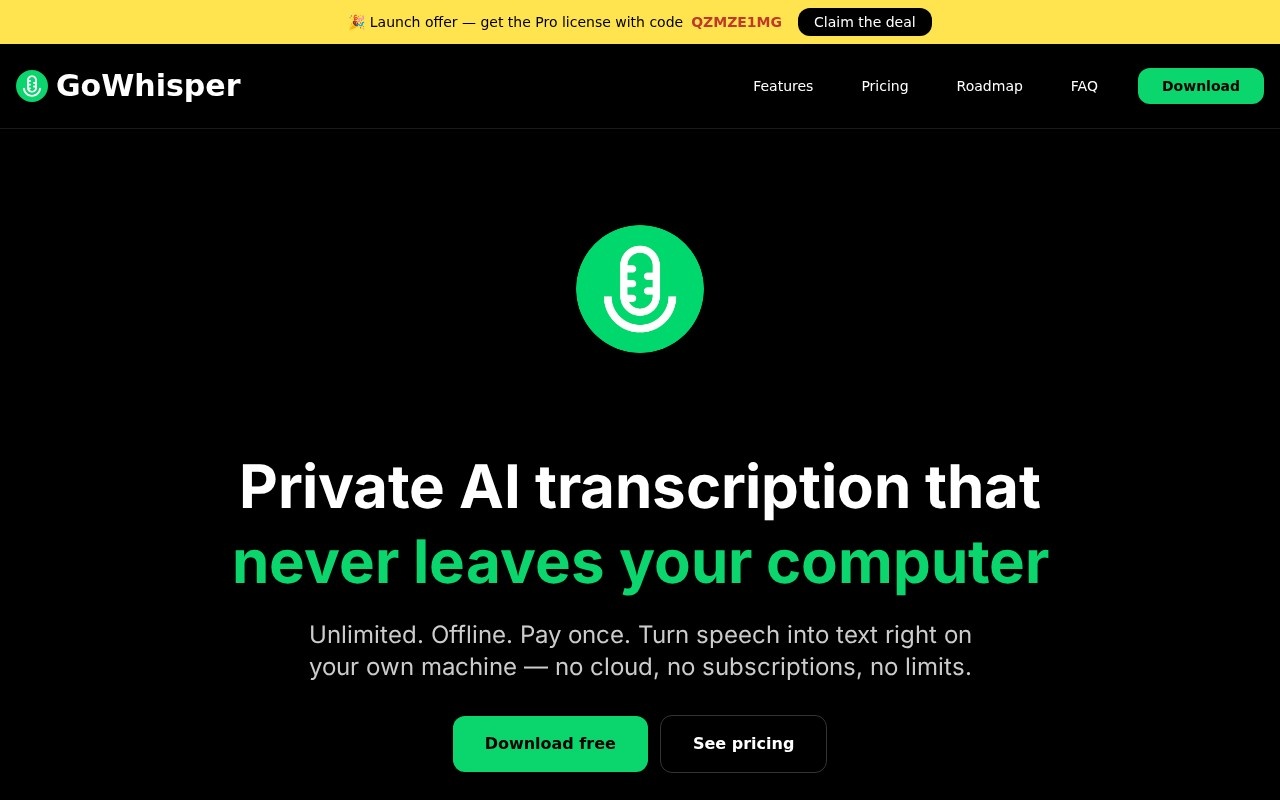
GoWhisper is a desktop transcription app that converts speech into text entirely on your own computer. It is built on Whisper, the open-source speech recognition model, and is designed for people who want accurate transcripts without uploading recordings to a cloud service. It runs on both Mac and Windows.
How it works
Transcription takes three steps. First, choose the language, or let the app detect it automatically from 99 supported languages, and pick a model. Larger models are more accurate but slower, so you can trade speed for quality depending on the job. Second, drag in a file or record directly from your microphone. Supported formats include WAV, MP3, M4A, MP4, MOV and MKV, so both audio and video files work. Third, export the transcript as SRT, TXT, VTT or CSV. SRT and VTT are subtitle formats for video editors and players, TXT suits notes and documents, and CSV is useful for analysis.
Privacy and offline use
Everything happens locally. There are no uploads, no account is needed, and the app works offline. For journalists protecting sources, researchers handling interview data under ethics rules, or businesses with confidential meetings, this is the main reason to choose a local tool over a cloud service. Because processing does not depend on a server, there are also no usage limits on how much you transcribe.
Pricing
You can download GoWhisper for free. A Pro licence is a one-time purchase rather than a subscription. Check the pricing page for what the free and Pro versions include.
Who it is for
It suits researchers transcribing interviews, podcasters and video creators who need subtitles, students recording lectures, and anyone who regularly transcribes audio and wants to avoid monthly fees.
Things to consider
Local transcription uses your computer's processor and, where available, its graphics hardware, so speed depends on your machine. Larger models can be slow on older laptops. Whisper is accurate for clear audio, but strong accents, overlapping speakers and background noise still cause errors, and the app's site does not describe speaker labelling, so check whether that matters for your work. Always proofread transcripts used for quotes or publication. Get consent before recording other people. For private, unlimited transcription on your own hardware, though, it is a simple, low-cost option.
Details
- Pricing
- Freemium
- Release date
- 2026-02-24
- Last checked
- 3d ago
- Indexing
- index, follow
- Category
- Transcription
Suggest an edit
Sign in to suggest an edit.
Alternatives
 SpeechpulseSpeech recognition and translation software for real-time typing, transcription, and subtitle generation.
 ScriptmeAutomatic transcription and subtitle platform with AI-powered tools and multi-format support.
 Transcript LolConverts audio/video to text, summaries, and insights quickly and accurately.
 Clipto ComAI-powered media management assistant with transcription, video editing, and asset management tools.
 Voicetype AIAI-powered dictation app that transcribes, edits, and auto-formats speech into text.
 ScribewaveScribewave is an accurate online speech-to-text tool with transcription, translation, and subtitling in 90+ languages.
 Voqusa Instagram TranscriptTeams running regular ai agents campaigns turn to it for repeatable output, and solo creators use it to push through tasks that would otherwise stall their day. It is a...
 Good TapeAutomatic transcription service for audio and video files, focusing on speed and accuracy.
 Felo SubtitlesReal-time translation plugin for multilingual communication and live subtitles.
 Ecango ComEcango is an AI-powered tool for fast and accurate audio and video transcription and translation.
 Yescribe AIAI-powered audio/video to text transcription service with high accuracy and multi-language support.
 BanvaBrowser-based AI subtitling, transcription, and translation platform supporting 90+ languages.