


Clipto Com
AI-powered media management assistant with transcription, video editing, and asset management tools.
Sign in to rate this tool.
Overview
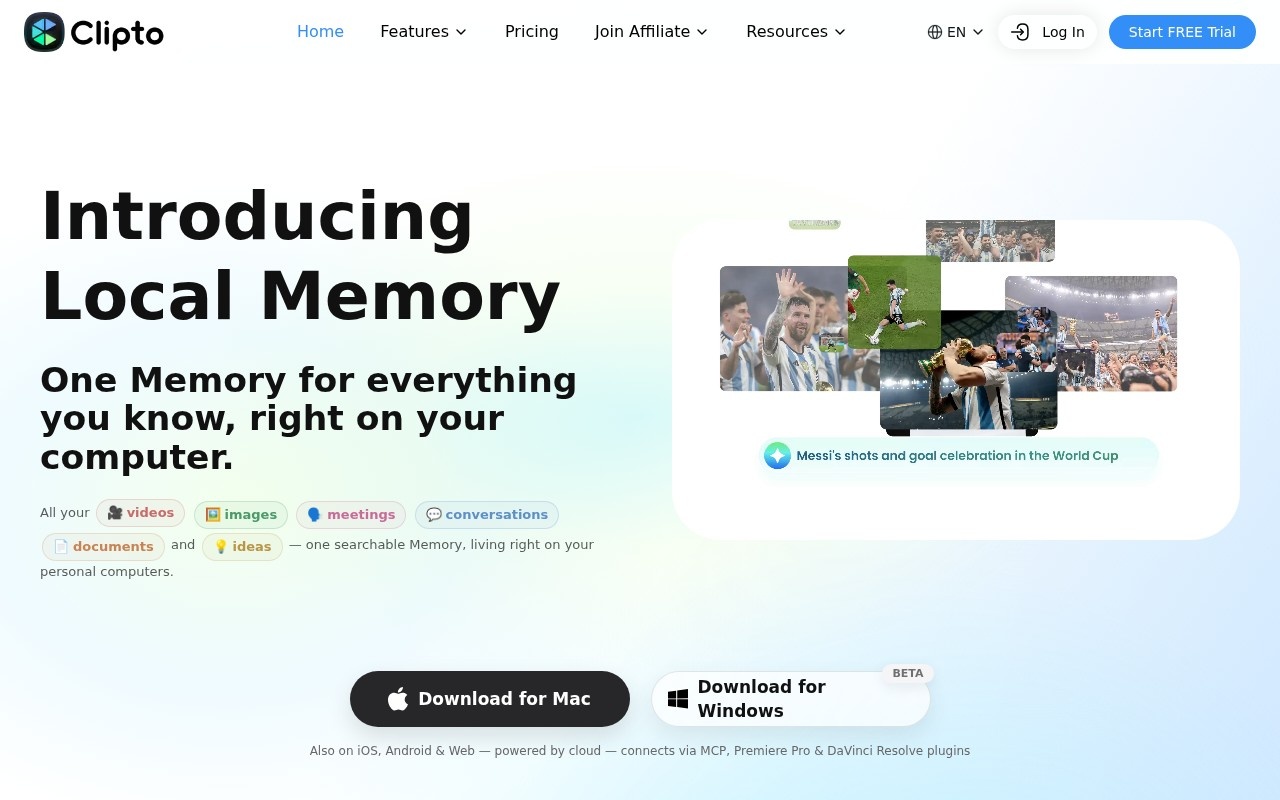
Clipto is a media transcription and search platform that has evolved into what it calls Local Memory: one searchable AI memory for your videos, images, meetings, conversations, documents and ideas, stored and processed on your own computer. It transcribes speech, recognizes people and content, and lets you search across everything you have recorded or saved. Desktop apps exist for Mac and Windows (beta), with iOS, Android and web versions powered by the cloud.
The problem it addresses
Clipto's premise is that we are drowning in data but starving for memory. Meetings, recordings, voice memos, screenshots and documents pile up every day, and finding a specific moment later is hard. Clipto indexes these files so you can find what was said, shown or written by searching in natural language.
Key features
- Automatic speech transcription in more than 99 languages.
- Unlimited search across video and audio content.
- Automatic people tagging in media.
- AI analysis of videos and documents.
- Local processing on supported computers for privacy.
- An MCP connection so AI assistants can query your memory.
- Plugins for Adobe Premiere Pro and DaVinci Resolve.
For video editors
The Premiere Pro and DaVinci Resolve plugins make Clipto useful in post-production. Editors can search transcripts of hours of footage to find a quote or a scene, rather than scrubbing through clips manually. This is valuable for documentaries, interviews and corporate video.
System requirements
Local Memory requires an Apple silicon Mac (M1 or later) running macOS 15 or newer with at least 8 GB of memory, or a Windows PC with at least 16 GB of RAM and 8 GB of graphics memory. Mobile and web versions rely on cloud processing.
Use cases
Researchers and journalists can search across interview archives. Video editors can locate footage by what was said. Professionals can build a personal knowledge base from meetings and documents. Students can search recorded lectures.
Pricing
Clipto Pro has a 7-day free trial. Monthly billing is listed at 24.99 US dollars, with a new-customer discount of 9.99 dollars for the first month. Pro includes unlimited video and audio search, automatic transcription, people tagging and support for over 99 languages. Annual and other options are on the pricing page.
Who it is for
Clipto suits video editors, content creators, researchers and knowledge workers who handle large amounts of recorded media and want a private, searchable archive on their own machine.
Details
- Pricing
- Paid
- Release date
- 2026-03-28
- Last checked
- 3d ago
- Indexing
- index, follow
- Category
- Transcription
Suggest an edit
Sign in to suggest an edit.
Alternatives
 Good TapeAutomatic transcription service for audio and video files, focusing on speed and accuracy.
 Otter AIOtter.ai review (October 2026): AI meeting notetaker for Zoom, Teams and Meet, verified Basic, Pro and Business pricing, language support and privacy tips.
 BanvaBrowser-based AI subtitling, transcription, and translation platform supporting 90+ languages.
 Transcript LolConverts audio/video to text, summaries, and insights quickly and accurately.
 ScribewaveScribewave is an accurate online speech-to-text tool with transcription, translation, and subtitling in 90+ languages.
 ScriptmeAutomatic transcription and subtitle platform with AI-powered tools and multi-format support.
 Yescribe AIAI-powered audio/video to text transcription service with high accuracy and multi-language support.
 GowhisperPrivacy-focused desktop app for local audio transcription.
 Felo SubtitlesReal-time translation plugin for multilingual communication and live subtitles.
 PlainscribePlainScribe transcribes, translates, and summarizes audio and video files with pay-as-you-go pricing.
 Voqusa Instagram TranscriptTeams running regular ai agents campaigns turn to it for repeatable output, and solo creators use it to push through tasks that would otherwise stall their day. It is a...
 Imaginario AIIt also plays nicely with the rest of your stack. Links and files move in and out easily, so the tool sits naturally beside the software you already rely on....