


Remove Text
It is a practical choice for ai image generation work, and the honest way to evaluate it is to give it a spin. Start at remove-text.com for the latest information....
Sign in to rate this tool.
Overview
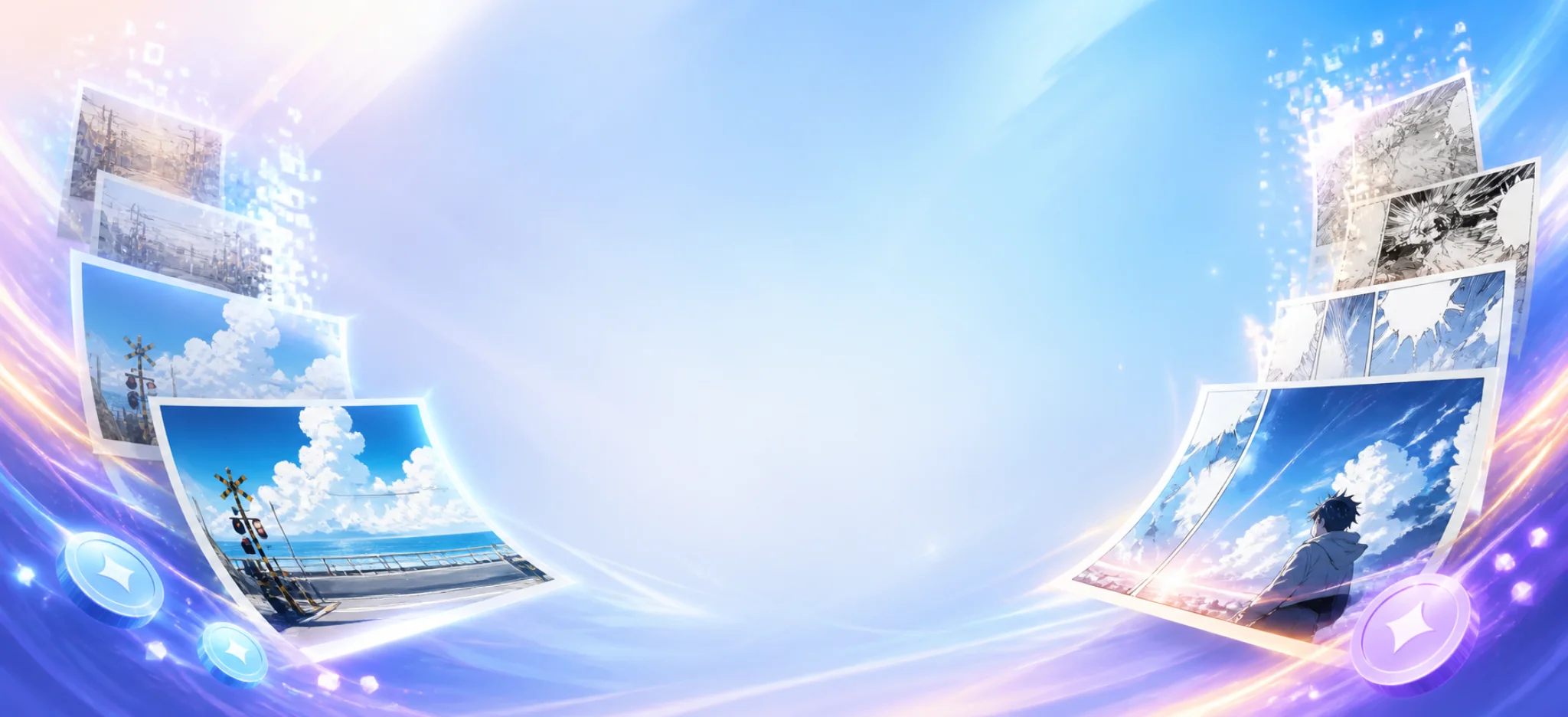
AI Remove Text is an online tool that removes text from images and rebuilds the background behind it. You can remove all detected text or focus only on speech bubbles, which is useful for comics and manga. The site stresses that it is for images you own or are authorised to edit.
How it works
You upload a JPG, PNG or WebP image up to 10MB, choose the removal scope, and confirm that you own the image or have permission to edit it. The AI reconstructs the background in the selected areas. You then inspect the result at full size and check edges, textures and any unintended changes before downloading.
Use cases
Examples on the site include updating captions on original social media graphics controlled by your team, and cleaning speech bubbles on original manga pages, for instance before translating your own comic into another language. A showcase shows more than 30 samples so you can compare before and after results.
Batch mode
If you have many images, batch mode removes text from up to 10 images at once.
Pricing
You can start free with three credits. More credits are available for regular use; the site shows the usage allowance before you process.
Responsible use
The site states clearly that removing a watermark, logo or attribution does not give you rights to third-party material. This is an important point: the tool should not be used to strip credits or watermarks from other people's work.
Who it suits
It suits comic creators and translators working on their own pages, social media teams updating their own graphics, and small businesses reusing their own promotional images with new text.
Things to consider
Background reconstruction is an estimate. On complex textures, faces or patterns, check the cleaned area carefully, as AI may leave smudges or invent detail. Keep the original file in case you need to start again. For professional print work, you may still need manual retouching. Use the free credits on a typical image to judge quality before buying more.
For creators who regularly update their own graphics or localise their own comics, it can save a lot of manual cloning and painting.
Details
- Pricing
- Freemium
- Last checked
- 3d ago
- Indexing
- index, follow
- Category
- Image
Suggest an edit
Sign in to suggest an edit.
Alternatives
 ImaggaIt is a practical choice for ai image generation work, and the honest way to evaluate it is to give it a spin. Start at imagga.com for the latest information....
 Cleanup.picturesCleanup.pictures removes unwanted objects, people, text and defects from photos in the browser, free at 720px or full resolution with Pro.
 Chromatic LensIf ai business tasks take up too much of your day, Chromatic Lens is built to give you time back. It handles the heavy lifting while leaving you in control....
 ClipdropClipdrop by Jasper offers quick AI image tools for background removal, cleanup, relighting, uncrop and upscaling, free with daily limits or Pro at $15 a month.
 FotorFotor is an online photo editor and design tool with dozens of one-click AI tools for enhancing, removing, styling, generating images and video.
 AI Ease AI Photo EditorSmall operations appreciate the low setup cost, and larger teams value the consistency. Both end up spending less time on busywork and more on the actual result. It also plays...
 CraiyonCraiyon makes AI images from plain-language prompts with no account needed, and adds paid editing credits, private images and no watermarks.
 Rush Roto Product Photo A IWhat stands out most is predictability. The same input produces dependable output, which matters when you are producing work for clients or publishing on a schedule. It runs on a...
 RuncomfyIt is a practical choice for ai image generation work, and the honest way to evaluate it is to give it a spin. Start at runcomfy.com for the latest information....
 MokkerCollaboration hooks are there too - simple ways to pass work between teammates without emailing files back and forth or losing track of versions. Mokker is a ai image generation...
 Free Outline Image GeneratorFreelancers use it to keep client work moving, while in-house teams rely on it for consistent output across projects. Either way, the routine parts of ai image generation work get...
 ArtblastaiIt is a practical choice for ai image generation work, and the honest way to evaluate it is to give it a spin. Start at artblastai.com for the latest information....