


Sign in to rate this tool.
Overview
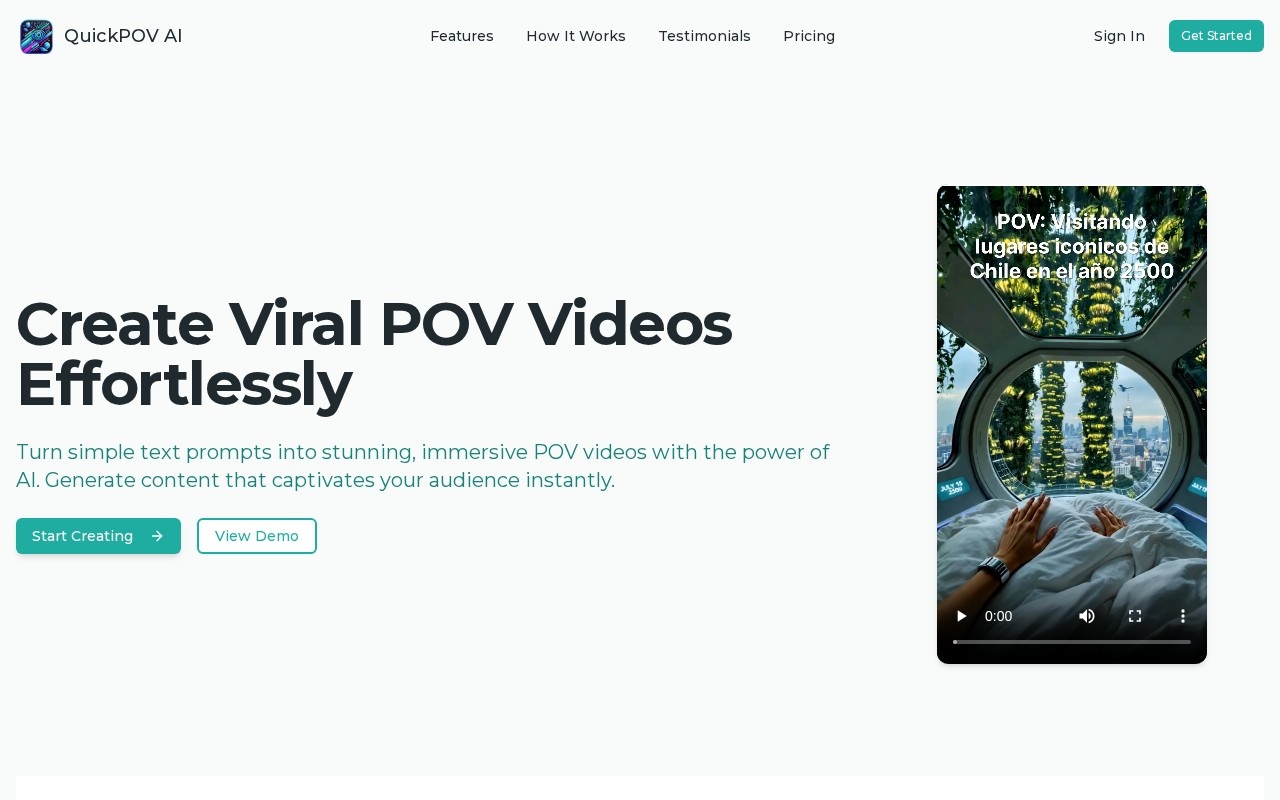
QuickPOV is an AI video generator built for one specific format: point-of-view, or POV, videos. These are short, immersive clips that show a scene as if the viewer were living it, a style that is popular on TikTok and Instagram Reels. Instead of a general video editor, QuickPOV focuses on turning one-line ideas into this format.
How it works
The process has three steps. First, you type a prompt such as "POV: a king 1000 years ago" or "POV: first human on Mars". Second, the AI generates a short POV video based on that prompt, with synchronised audio and ambient sound added automatically. Third, you download the result and post it on your social channels. No editing skills are needed, which makes it a quick way to test ideas for a faceless content account.
The site's examples show the typical subjects: historical scenes, imagined futures, a day in someone else's job, and moments from notable events. The videos are formatted for vertical short-form platforms, so they need little preparation before upload.
Pricing
You can sign in and start creating, and paid credits or plans cover regular use. Check the website for current pricing and how many videos each tier includes.
Who it is for
QuickPOV suits short-form creators running history, education or storytelling accounts, people experimenting with faceless channels, and social media managers who want quick, eye-catching filler content between bigger productions. It is most useful when you plan to post often and want a consistent format.
Things to consider
Because it targets one format, QuickPOV is less flexible than general text-to-video tools. You get fewer controls over shots, characters and length. AI-generated historical or real-world scenes may contain inaccuracies or anachronisms, so treat them as entertainment rather than reference, and avoid presenting them as real footage. Scenes based on real tragedies or disasters need particular care and should not be passed off as documentary material. Platforms increasingly expect AI-generated content to be labelled, so check TikTok and Instagram rules before publishing. Review each clip before posting, since generated video can contain odd visual artefacts. Finally, check the terms on commercial use and ownership if you plan to monetise the account. For quickly producing a steady stream of themed short videos, though, the tool does one job simply.
Details
- Pricing
- Freemium
- Release date
- 2025-09-19
- Last checked
- 3d ago
- Indexing
- index, follow
- Category
- Video
Suggest an edit
Sign in to suggest an edit.
Alternatives
 AI Video CutAI tool to repurpose long videos into short, engaging clips for social media.
 TryH3 — MiniMax H3 Video GeneratorIt is a practical choice for ai video generation work, and the honest way to evaluate it is to give it a spin. Start at tryh3.com for the latest information....
 FlickifyaiAI platform to generate viral videos effortlessly and quickly.
 Re Create VideoAI-powered app to recreate viral short-form videos.
 Stable VideoAI video model transforming images/text into videos.
 Wavel AIAI-powered platform for video editing, text-to-speech, voice cloning, and localization.
 Wui AIAI platform to repurpose long videos into viral clips.
 Krikey AIThe tool is free, which keeps the barrier to entry low. You can try it before deciding whether it earns a permanent place in your workflow. There is a deliberate...
 PikaPika is an idea-to-video platform that turns ideas into motion videos.
 Facelessvideos AIAI tool to create faceless videos for YouTube and TikTok from a text prompt.
 Veevid AIA description of this product, its...
 VexubAI video generator for text, audio, and more.