


Sign in to rate this tool.
Overview
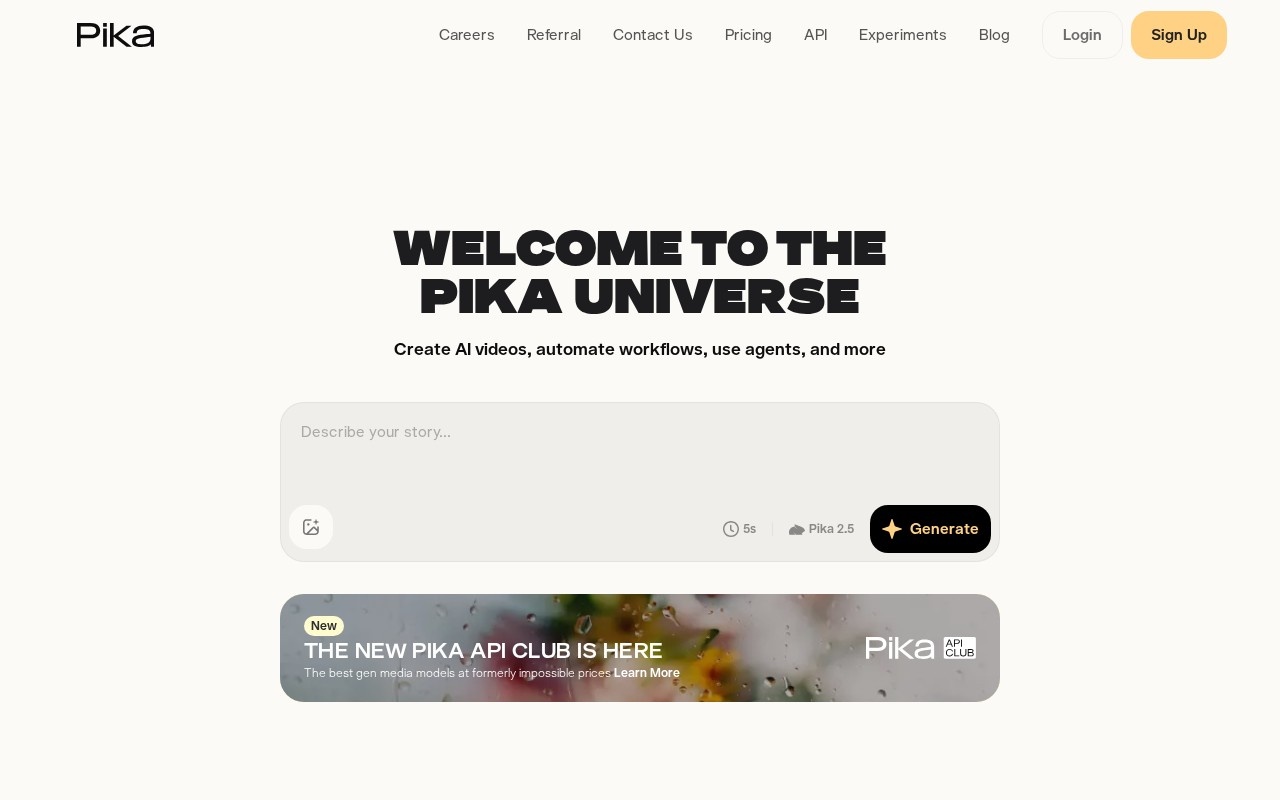
Pika is an AI creative platform for making videos, images and audio. It began as a text-to-video model and has grown into a suite of self-contained creative apps, combining its own models, such as Pika 2.5 and Pikaframes, with access to a range of third-party video, image and speech models in one interface. The stated goal is to be comprehensive and simple at the same time, with tools that are intuitive rather than overwhelming.
Video apps
The Video Studio is the main workspace for generating clips from text prompts or images. Specialized apps target particular tasks: Product Ad for producing product videos, Swap Anything for replacing objects or people in footage, Motion Transfer for applying movement from one video to another subject, and Extend Video for lengthening existing clips. Pikaframes lets you control a clip through keyframes.
Image apps
The Image Studio covers image generation and editing, with Edit Image for changing existing pictures and Character Studio for creating consistent characters that can be reused across scenes. Several image models are offered, so you can choose the one that suits your style.
Audio apps
Pika also includes a Music Studio, a Speech Studio and an SFX Studio, using Pika's own music, soundtrack and sound-effect models alongside third-party speech models. This makes it possible to add a score, voiceover and effects without leaving the platform.
Key features
- Text-to-video and image-to-video generation.
- Pika's own models plus selected third-party models.
- Apps for product ads, object swapping, motion transfer and video extension.
- Image generation, editing and character consistency.
- Music, speech and sound effects.
- An API, an MCP server and an app for ChatGPT.
Use cases
Content creators can make short clips and effects for social media. Marketers can produce product ads quickly. Filmmakers and artists can prototype scenes and storyboards. Developers can integrate Pika through its API.
Pricing
Pika offers a free way to try the platform, with paid subscription plans that provide more credits, higher quality and access to more models. Credits are consumed according to the model and output used. Check the pricing page for current plans, since model availability and credit costs change frequently.
Things to consider
Generated video quality varies with prompts and models, and several attempts are often needed. Review the terms on commercial use and avoid generating content that uses other people's likeness without consent.
Who it is for
Pika suits creators, marketers and artists who want a broad set of AI video, image and audio tools in one simple platform.
Details
- Pricing
- Freemium
- Release date
- 2026-05-26
- Last checked
- 3d ago
- Indexing
- index, follow
- Category
- Video
Suggest an edit
Sign in to suggest an edit.
Alternatives
 Veevid AIA description of this product, its...
 Luma AILuma AI is a creative workspace with AI agents and its own Ray3.2 video and Uni-1 image models, plus third-party models, on Plus, Pro and Ultra plans.
 Veed IoOnline video editor with AI tools for creating professional videos quickly and easily.
 TryH3 — MiniMax H3 Video GeneratorIt is a practical choice for ai video generation work, and the honest way to evaluate it is to give it a spin. Start at tryh3.com for the latest information....
 Stable VideoAI video model transforming images/text into videos.
 Vadoo AIVadoo AI is a video generator platform requiring login for access.
 Quickpov AIAI platform to create viral POV videos from text prompts.
 Re Create VideoAI-powered app to recreate viral short-form videos.
 RunninghubThe tool is free, which keeps the barrier to entry low. You can try it before deciding whether it earns a permanent place in your workflow. There is a deliberate...
 Krikey ComBuilt for ai video generation work, Krikey Com combines capable AI with straightforward design. It is the kind of tool you can start using immediately. The flexibility shows when the...
 PictoryAI-powered video creation and editing tool for marketing and content creation.
 Krikey AIThe tool is free, which keeps the barrier to entry low. You can try it before deciding whether it earns a permanent place in your workflow. There is a deliberate...
Pros and cons
Pros
- One subscription gives access to many video and image models, not just Pika's own.
- Every plan, including free, exports without a watermark.
- Starter costs $10 a month for 900 credits, a low entry price.
- Tools cover video extension, color grading, scoring and product shots.
Cons
- The free plan includes no monthly credits, so you must buy packs.
- A commercial license is missing from the cheaper plans.
- Unlimited parallel generations and priority queue start at $95 a month.
Checked 2026-10-19. · pika.art · pika.art/pricing