


Opus Clip AI
AI-powered video repurposing tool for creating viral short clips from long videos.
Sign in to rate this tool.
Overview
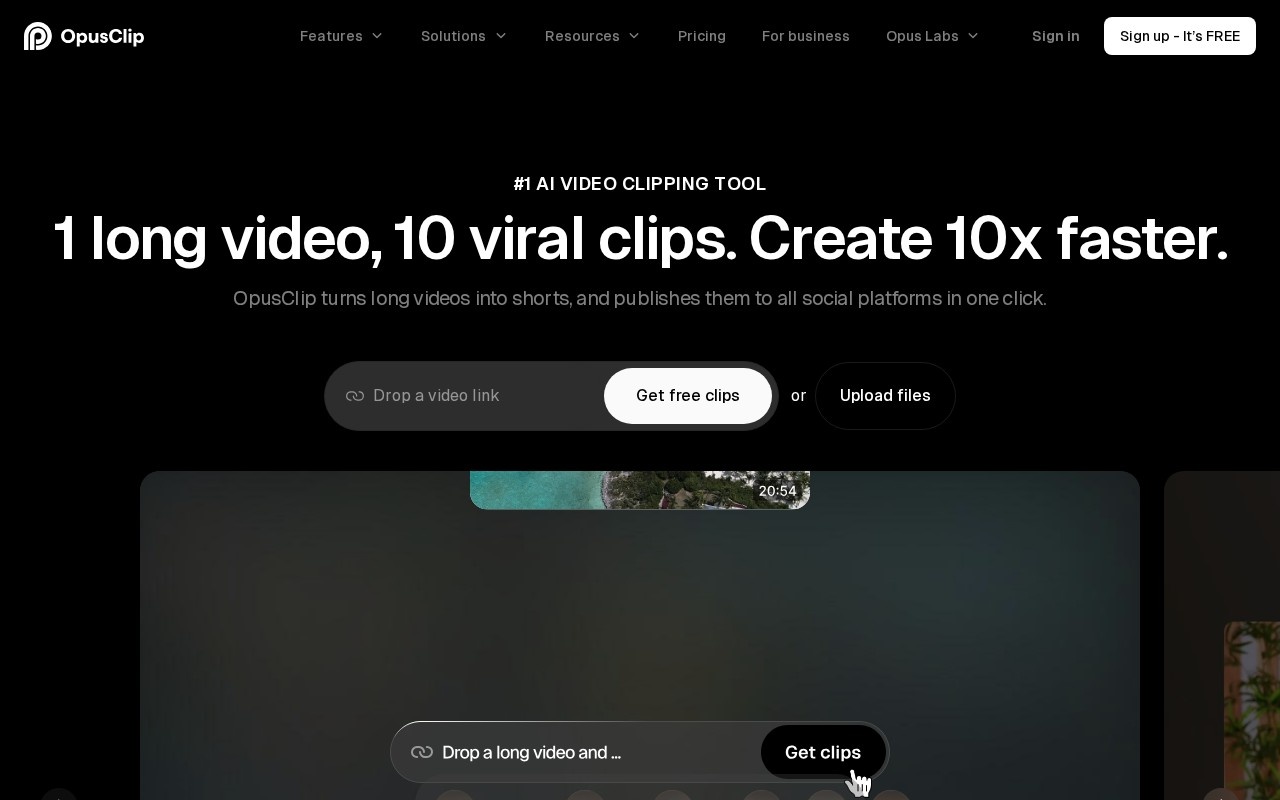
OpusClip is an AI video clipping and editing tool that turns long videos into short clips for social media. Its pitch is one long video, ten short clips: you provide a podcast, webinar, livestream or YouTube video, and OpusClip identifies the most engaging moments, edits them into vertical shorts and can publish them to all major social platforms in one click. The company reports more than 20 million creators and businesses using it.
How it works
You drop in a video link or upload a file. On the Pro plan, links are supported from YouTube, Google Drive, Vimeo, Zoom, Rumble, Twitch, Facebook, LinkedIn, X, Loom, Riverside, StreamYard and others. OpusClip analyzes the content and suggests a set of clips, each with captions and framing adapted for short-form platforms. You can review, adjust and export the clips, or schedule and publish them directly. It currently handles videos in English, German, Spanish, French, Portuguese and more than 20 other languages.
AI features
- AI clipping: finds highlights and cuts them into standalone shorts.
- AI captioning: adds animated captions.
- AI reframe: keeps speakers in frame when converting horizontal video to vertical.
- AI B-roll: inserts supporting visuals.
- AI audio enhance: cleans up audio.
- AI voice-over: adds generated narration.
Use cases
Podcasters can promote every episode with a set of short clips. Coaches and educators can repurpose webinars and courses into social content. Marketing teams can turn product demos and interviews into posts for TikTok, Reels, Shorts and LinkedIn. Streamers can extract highlights from long sessions.
Pricing
You can sign up free and get free clips to try the service. The Starter plan for individual creators is listed at 15 US dollars per month, with Pro and business plans adding more processing minutes, more link sources and team features. Annual billing saves up to 50 percent. A separate business offering and Opus Labs waitlist exist for newer features.
Things to consider
AI-selected highlights are a starting point; reviewing clips ensures context is not lost and that quotes are not misleading. Only process videos you have the rights to.
Who it is for
OpusClip is for creators, podcasters, marketers and businesses who already produce long-form video and want to multiply it into short-form content with minimal editing.
Details
- Pricing
- Freemium
- Release date
- 2026-01-13
- Last checked
- 5d ago
- Indexing
- index, follow
- Category
- Video
Suggest an edit
Sign in to suggest an edit.
Pros and cons
Pros
- Automatically cuts long videos into short clips with a virality score for each.
- There is a free plan, and paid plans start at $15 a month.
- Handles local uploads of up to 10GB per video.
- Paid plans can export to Premiere Pro and DaVinci Resolve.
Cons
- Free exports carry a watermark and expire after three days.
- Social scheduling and bulk export are not included on the free plan.
- Free plan processing runs at regular speed rather than priority.
Checked 2026-10-19. · www.opus.pro/ · www.opus.pro/pricing
Alternatives
 WisecutAI-powered video editing software that automatically creates engaging clips from long videos.
 AI Video CutAI tool to repurpose long videos into short, engaging clips for social media.
 Spikes StudioAI clip generator for viral short videos on YouTube, TikTok, and Reels.
 Podfyai The Platform For Creators And AgenciesAI platform to automatically turn texts and audio into fully edited videos.
 VizardVizard is a ai video generation assistant that focuses on one thing: making the work easier. It skips unnecessary clutter and gets straight to useful output. The tool is free,...
 Ssemble Youtube Shorts MakerUnderneath it all, the processing is efficient enough for everyday use. Large inputs take a moment, but ordinary work flows through without interruption. It runs on a free model, so...
 BoolvideoBoolvideo is a ai video generation assistant that focuses on one thing: making the work easier. It skips unnecessary clutter and gets straight to useful output. There is a deliberate...
 FastcutAI-powered video editor for creating engaging short-form content quickly and easily.
 Re Create VideoAI-powered app to recreate viral short-form videos.
 ViralbotAI-powered tool for creating viral videos with subtitles for social media.
 ReccloudThe whole experience is built around finishing things. From the first run onward, you are guided toward complete, usable results rather than half-finished experiments. Freelancers use it to keep client...
 VexubAI video generator for text, audio, and more.