


Voicv Voice Cloning
AI-powered voice cloning, text-to-speech, and speech-to-text platform.
Sign in to rate this tool.
Overview
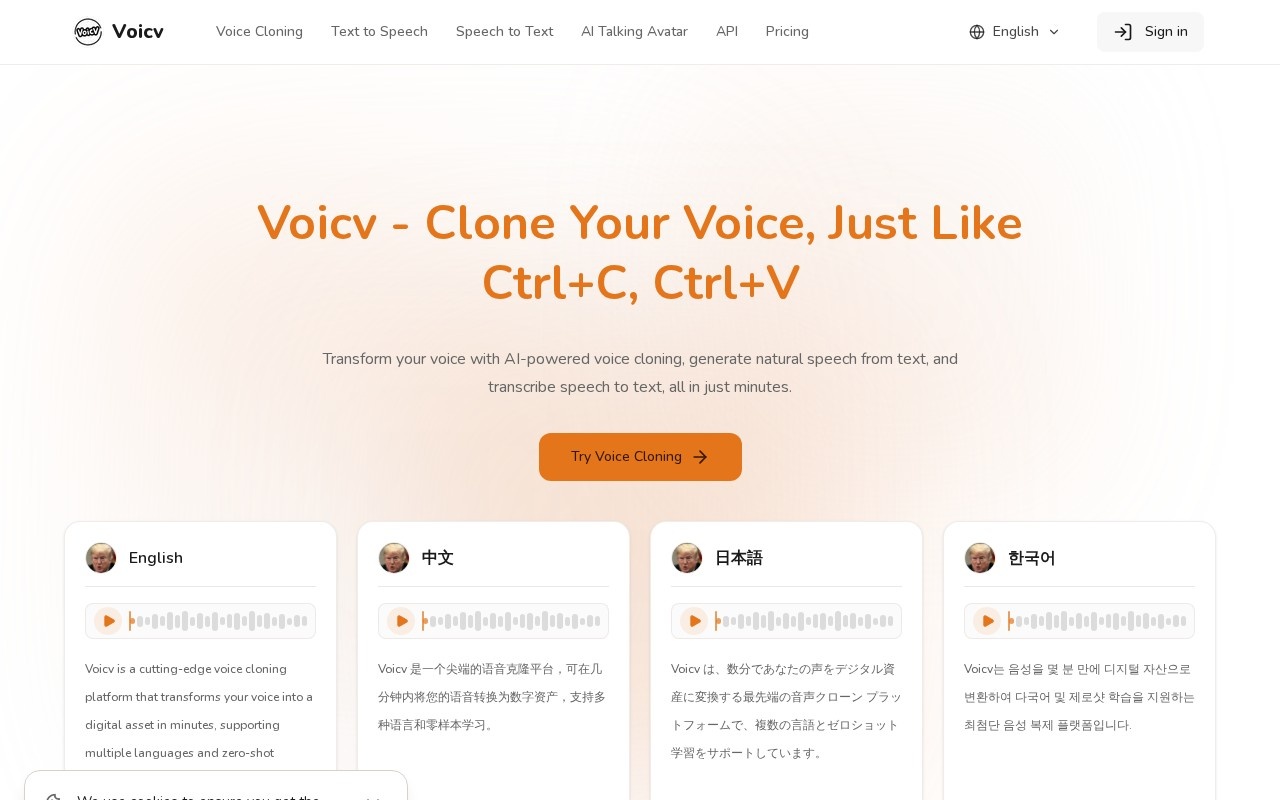
Voicv is a web platform that brings three audio tools together: voice cloning, text-to-speech and speech-to-text. It is built for creators, businesses and professionals who need to produce or process spoken audio without recording studios or manual transcription.
Main features
The voice cloning tool creates a digital copy of a voice from a short sample. Voicv describes it as zero-shot, so you do not train a model for hours. Once a voice is cloned, you can use it to read new text. The homepage plays demo clips of the same sentence in English, Chinese, Japanese, Korean, German, Spanish, French and Arabic to show multilingual output.
The text-to-speech tool turns written scripts into speech, and the site says it supports different emotions as well as languages. The speech-to-text tool goes the other way and transcribes recorded audio into text. A newer Voice Design feature, announced on the homepage, lets you create a synthetic voice rather than copying an existing one.
Pricing
You can start for free and upgrade later. Paid plans use credits. At the time of writing, the Hobby subscription costs $19.90 a month, or $15.90 a month when billed yearly, and includes 300,000 credits a month, which Voicv estimates at about 6.9 hours of audio. Credits on subscriptions reset monthly. If you prefer not to subscribe, you can buy permanent credits as a one-time payment. Check the pricing page for current limits and higher tiers.
Who it is for
Voicv suits video creators who want narration in their own voice, podcasters producing versions in other languages, educators making audio lessons, and small teams that need quick voiceovers or transcripts. Having cloning, speech generation and transcription under one account means less switching between services.
Things to consider
Clone only your own voice, or a voice you have clear written permission to use. Cloning someone without consent can break the law and platform rules, and may harm the person. Quality depends heavily on the sample you upload, so use a clean recording without background noise or music. Listen to generated audio before publishing, because pronunciation of names, numbers and technical terms can be wrong, especially in less common languages. Proofread transcripts too. Read the terms on how uploaded voice samples are stored and used before sending sensitive recordings. Credit-based pricing makes heavy use easier to plan, but long projects can use credits quickly, so estimate your monthly audio needs first.
Details
- Pricing
- Freemium
- Release date
- 2026-06-13
- Last checked
- 4d ago
- Indexing
- index, follow
- Category
- Voice
Suggest an edit
Sign in to suggest an edit.
Alternatives
 ElevenLabsElevenLabs review (October 2026): AI voice generation, voice cloning, dubbing and speech-to-text, verified plan prices from Free to Business.
 GowhisperPrivacy-focused desktop app for local audio transcription.
 Wiz WriteYou will find a free plan, making it easy to test the tool against your own needs first. The practical way to judge it is to use it. Small operations...
 SpeechpulseSpeech recognition and translation software for real-time typing, transcription, and subtitle generation.
 PinchReal-time AI voice translation for video conferencing in 30+ languages.
 ScriptmeAutomatic transcription and subtitle platform with AI-powered tools and multi-format support.
 Coefont CloudAI Voice Hub offering text-to-speech, voice changing, and AI voice creation.
 TtslabsPlenty of detail is tucked into the options area: adjustable quality levels, formatting choices, and automation that removes the repetitive part of ai voice work. The design favors clarity over...
 Retell AIYou will find a free plan, making it easy to test the tool against your own needs first. The practical way to judge it is to use it. Students and...
 Aivoov Text To Speech SolutionOnline text-to-speech platform with realistic AI voices in multiple languages.
 Ecango ComEcango is an AI-powered tool for fast and accurate audio and video transcription and translation.
 ReccloudThe whole experience is built around finishing things. From the first run onward, you are guided toward complete, usable results rather than half-finished experiments. Freelancers use it to keep client...