


Subtitlebee Com
It fits naturally into daily work. Whether you are handling a single quick task or a batch that would eat an afternoon, the tool keeps the pace steady. What stands...
Sign in to rate this tool.
Overview
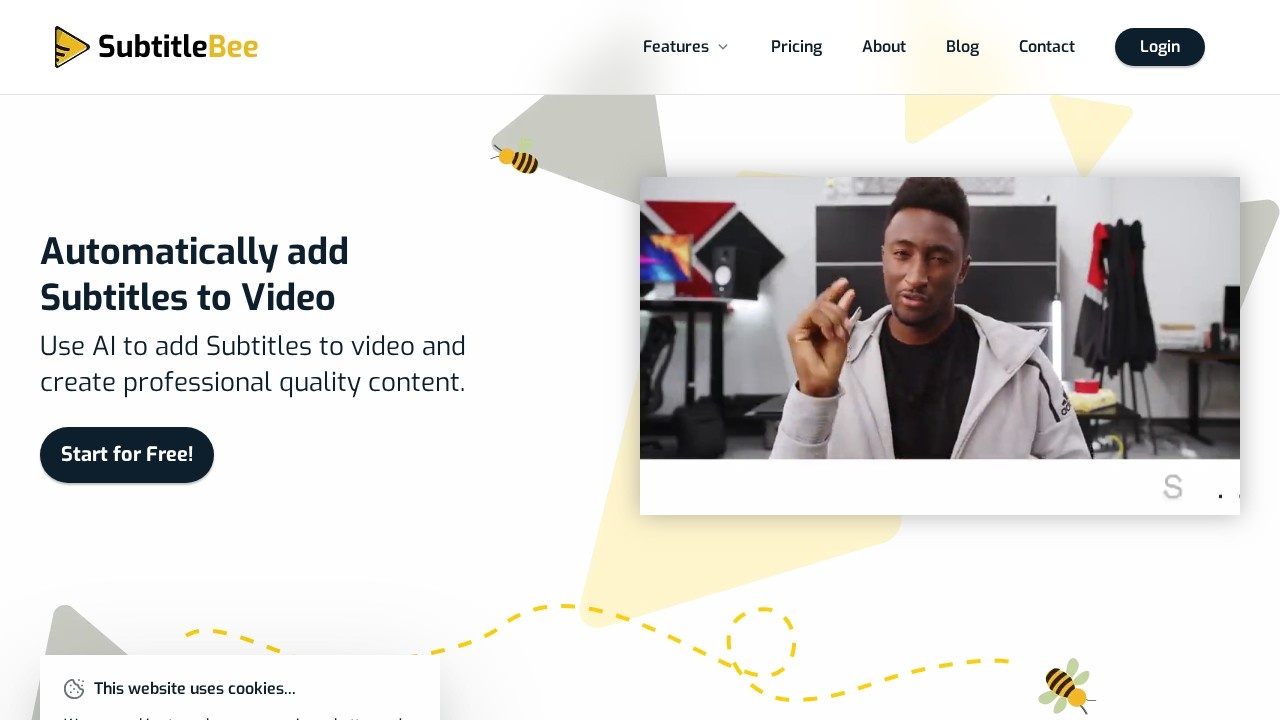
SubtitleBee is an online tool that adds subtitles to videos automatically. You upload a video, its AI transcribes the speech and syncs each subtitle line to the audio, and you can then edit, style, translate and export the result. It is aimed at content creators, marketers and businesses that publish video on social media and elsewhere.
How it works
First, upload an MP4, MOV, WMV, AVI or WebM file, or paste a link to your video; any aspect ratio and resolution works. Second, choose the language spoken in the video, and SubtitleBee generates subtitles in more than 120 languages. Third, correct words, adjust timing and change the subtitle font, colour, size and position. Fourth, export the video with subtitles burned in as MP4, AVI or MOV, or download the subtitles alone as an SRT, ASS, VTT or TXT file.
Other features
A subtitle translator converts subtitles into other languages to reach a global audience. Audio transcription turns audio files into readable text for transcripts, captions or notes. You can add text overlays and head titles at points in the video, add a progress bar, resize videos for different social platforms and share them directly. Other tools include a video converter, compressor and translator.
Pricing
The free plan lets you auto-subtitle 10 minutes of video and try the main tools. Starter costs $19 a month, or $16.60 a month billed yearly at $199, with 240 minutes of subtitling or translation a month, 3 translations per video, 5 overlay captions, 15 font styles, watermark-free exports, custom logos and cloud storage; extra credits cost $3 per 20 minutes. Premium costs $49 a month, or $43 a month billed yearly at $519, with 1,050 minutes, 10 translations per video, 20 overlay captions, 30 font styles and priority support. Business costs $129 a month, or $113 a month billed yearly at $1,359. Annual plans save 12%.
Things to consider
Automatic transcription can mishear names, technical terms and accents, so proofread subtitles before publishing, especially for accessibility or legal content. Machine translation should be checked by a fluent speaker for important videos. Only upload videos you have rights to.
Details
- Pricing
- Freemium
- Release date
- 2026-04-18
- Last checked
- 4d ago
- Indexing
- index, follow
- Category
- Video
Suggest an edit
Sign in to suggest an edit.
Alternatives
 Deepreel ComIt fits naturally into daily work. Whether you are handling a single quick task or a batch that would eat an afternoon, the tool keeps the pace steady. The tool...
 Dub AIThe flexibility shows when the same tool is used to sketch a quick idea in the morning and to polish final work in the afternoon. You are not locked into...
 Veed IoOnline video editor with AI tools for creating professional videos quickly and easily.
 Storyshort AIAI video generator for TikTok & YouTube Shorts, creating faceless viral videos automatically.
 VislaAI video creation and editing tool for businesses and teams.
 HeyGenHeyGen turns a script into a video with an AI presenter, including avatars built from your own footage and dubbed translations in 175+ languages.
 Podfyai The Platform For Creators And AgenciesAI platform to automatically turn texts and audio into fully edited videos.
 ViralbotAI-powered tool for creating viral videos with subtitles for social media.
 BoolvideoBoolvideo is a ai video generation assistant that focuses on one thing: making the work easier. It skips unnecessary clutter and gets straight to useful output. There is a deliberate...
 Wavel AIAI-powered platform for video editing, text-to-speech, voice cloning, and localization.
 ReccloudThe whole experience is built around finishing things. From the first run onward, you are guided toward complete, usable results rather than half-finished experiments. Freelancers use it to keep client...
 WisecutAI-powered video editing software that automatically creates engaging clips from long videos.