


Spline
Spline is a browser 3D design tool for interactive scenes, with real-time collaboration, AI agents via MCP and publishing to web, iOS and Android.
Sign in to rate this tool.
Overview
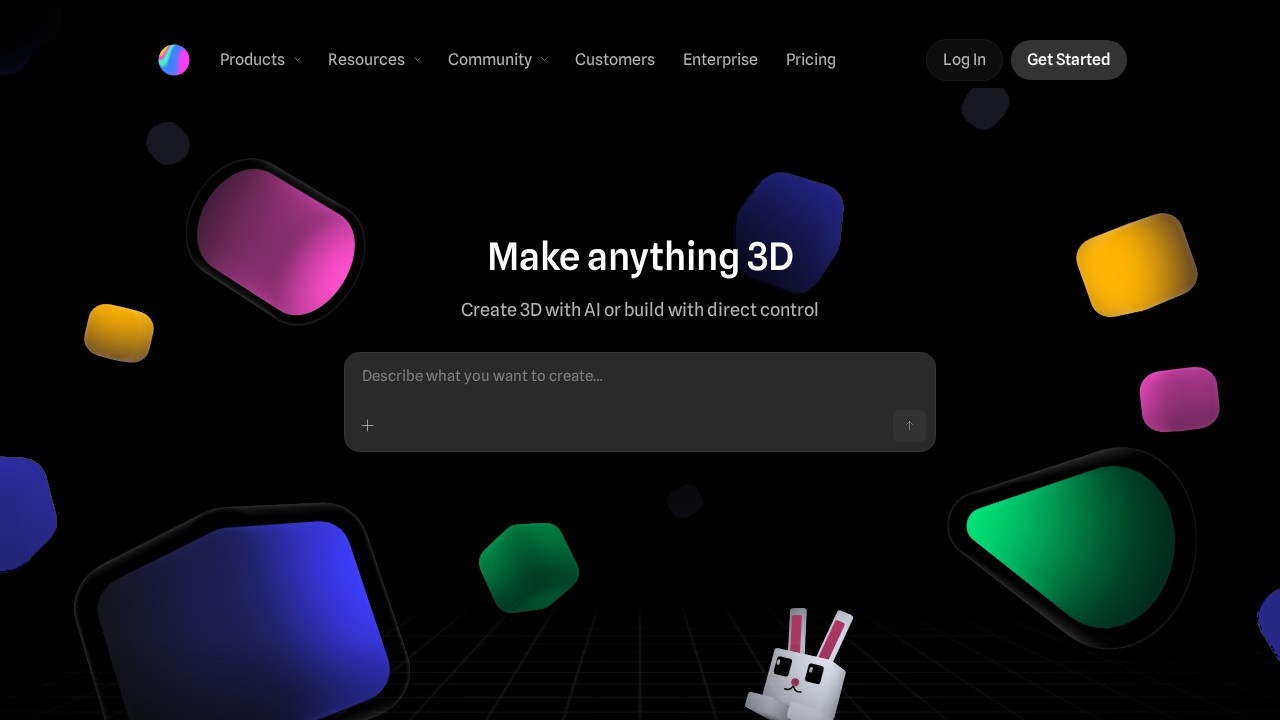
Spline is a 3D design tool that runs in the browser, built so a team can model, animate and publish interactive 3D together in real time. It also brings AI agents into that picture: you can connect an assistant such as Claude, ChatGPT, Cursor or Codex through the Spline MCP server, let it build a first version of a scene, and then have designers refine it by hand in the same file.
The editor
Spline covers the core 3D workflow:
- Modelling with primitives, booleans, sculpting and AI 3D generation.
- Materials and light: layered materials, lights and post-processing.
- Animation and interaction: states, keyframes, events and physics, so scenes respond to clicks and scrolling.
- A 2D editor with AI image generation, background removal and upscaling.
Everything an agent creates is a normal Spline object you can select, restyle and animate, and changes appear live for the whole team.
Publishing
One scene can go to the web (WebGPU or WebGL, as a link, an embed or exported code, including React), to an iPhone app as a native SwiftUI view or Xcode project, or to Android through Jetpack Compose or a built APK.
Pricing
From the official pricing page, checked October 2026, per seat per month:
- Free: limited personal files, unlimited viewers, web exports with a watermark.
- Hobby: $12 billed annually or $15 monthly. Unlimited 3D and 2D files, no watermark on web exports, higher-res images, material and audio library, 2,000 AI credits a month (more can be added).
- Pro: $25 billed annually or $30 monthly as listed. Unlimited projects, video export, Apple and Android exports, unlimited variables, APIs and webhooks.
- Max: 10,000 AI credits a month, more media generation and higher MCP limits. Its price varied with the credit option shown.
- Enterprise: custom, with SSO, code and self-hosted exports, version history and team library.
Yearly billing saves up to 20%. See spline.design/pricing for current figures.
Who it suits
Web and product designers adding interactive 3D to sites and apps, brand teams, and developers who want 3D without building a graphics pipeline. Spline's customers say even junior designers can pick it up. For film-quality rendering or game asset creation, a traditional 3D package is still the better tool.
Pros: runs in the browser; real-time collaboration; publishes natively to web, iOS and Android.
Cons: watermark on free exports; app exports need Pro; AI credits limit heavy generation.
Alternatives
Meshy focuses on AI 3D model generation. For flat graphics, try Recraft or Canva.
Details
- Pricing
- Freemium
- Release date
- 2025-11-16
- Last checked
- 12h ago
- Indexing
- index, follow
- Category
- 3D
Suggest an edit
Sign in to suggest an edit.
Alternatives
 MeshyMeshy turns photos, sketches or text into 3D models in under a minute, with AI texturing, auto-rigging, animation and plugins for Blender and Unity.
 Lovspark AITypical use cases for tools in the ai design category include content creation, workflow support, and...
 Tensor.ArtTensor.Art is a free online image generator and model hosting site where you run community checkpoints and LoRAs or use guided tools like OC Creator.
 Krikey AIThe tool is free, which keeps the barrier to entry low. You can try it before deciding whether it earns a permanent place in your workflow. There is a deliberate...
 Scenario ComFreelancers use it to keep client work moving, while in-house teams rely on it for consistent output across projects. Either way, the routine parts of ai image generation work get...
 starryaistarryai is a mobile and web AI image generator with 1,000+ styles, full ownership of your images and a Lumen credit system on its Unlimited Pro plans.
 ImagineArtImagineArt brings image, video and audio models together with fashion, ad and film studios, brand kits, workflows and MCP plugins for teams.
 Stable VideoAI video model transforming images/text into videos.
 Contentstudio IoThe flexibility shows when the same tool is used to sketch a quick idea in the morning and to polish final work in the afternoon. It runs on a free...
 ReplitReplit is a browser-based builder where an AI Agent writes, hosts and publishes full apps from a plain-language description, with database and auth built in.
 BrandmarkBrandmark is an AI logo maker with free unlimited logo generation and one-time packages from $35 that include vector files and brand assets.
 Colossyan CreatorPower users get deeper controls, while casual users can ignore them. The result is a tool that scales from quick one-off tasks to larger recurring workloads. It fits naturally into...
Pros and cons
Pros
- runs in the browser
- real-time collaboration
- publishes natively to web, iOS and Android
Cons
- watermark on free exports
- app exports need Pro
- AI credits limit heavy generation