


Pixlr
Pixlr is a free browser photo editor with AI generation, generative fill, upscaling and video and audio tools, plus cheap Plus, Premium and Ultra plans.
Sign in to rate this tool.
Overview
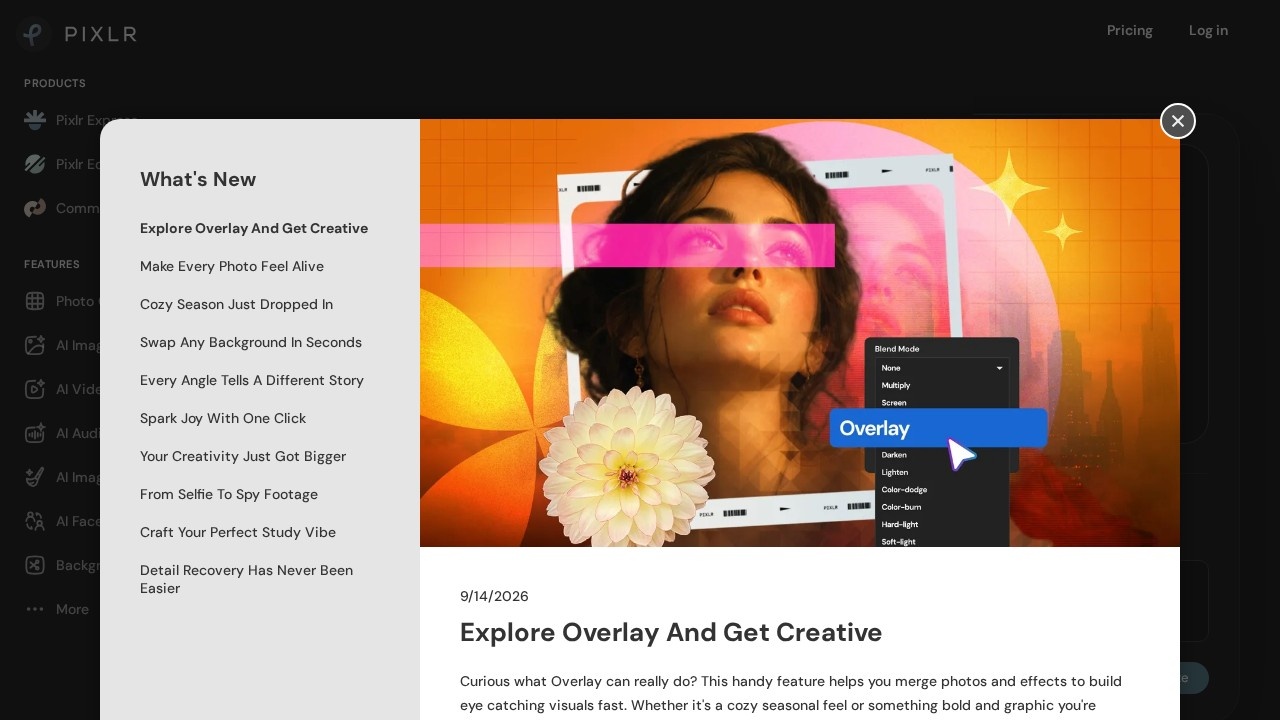
Pixlr is a browser-based photo editor that has added a whole set of AI tools on top. Pixlr describes its editor as 100% free and running in the browser: you open it, drop in an image and start editing, with no install. There are two editors, Pixlr Express and Pixlr Editor, and the same account works in Pixlr's desktop and mobile apps.
The AI features
Pixlr's AI menu covers three areas:
- Image: an image generator, an "Instruct Editor" that changes a photo from a written instruction, an upscaler, an image extender, generative fill and generative transform.
- Media: a video generator and an audio generator.
- Quick tools: object remover, noise remover, skin enhancer, colourise, Super Sharp, backdrop and sticker maker, along with face swap, collage maker and file converters.
Pixlr says it uses models from Flux, Kling, Recraft, Google Veo, Qwen and others. There's also a community section and a Pixlr Agent.
Plans
The basic editor is free in the browser. Paid plans remove ads and add AI credits. Prices from the official pricing page, checked October 2026 (yearly prices are per month, billed yearly, saving 20%):
- Plus: $2.49 monthly or $1.99 yearly. Ad-free, unlimited saves, 80 AI credits a month.
- Premium: $9.99 or $7.99. All image, video and audio models, 1,000 credits a month, private mode for AI generations, and a large library of fonts and templates.
- Ultra: from $24.99 or $19.99. Up to 10,000 credits, unlimited "fast" image generations under fair use, priority queue and extended high-res exports. Ultra MAX ($49.99 or $39.99) doubles the credits.
One subscription works on web, desktop and mobile. Subscription credits reset at renewal and are lost if you cancel, while separately bought credit packs never expire. Pixlr doesn't refund subscriptions once paid. Details at pixlr.com/pricing.
Who it suits
Students, bloggers and small businesses who need a capable editor without buying desktop software, and anyone who wants cheap access to AI image tools. Professional retouchers will still want a full desktop editor.
Pros: free browser editor; very low entry price; same subscription on all devices.
Cons: the free version has ads; no refunds on subscriptions; credits run out fast on video.
Alternatives
Compare Fotor and Picsart for similar editors with AI. For one-off cleanups, Cleanup.pictures is simpler.
Details
- Pricing
- Freemium
- Release date
- 2025-08-14
- Last checked
- 12h ago
- Indexing
- index, follow
- Category
- Image
Suggest an edit
Sign in to suggest an edit.
Alternatives
 CraiyonCraiyon makes AI images from plain-language prompts with no account needed, and adds paid editing credits, private images and no watermarks.
 FotorFotor is an online photo editor and design tool with dozens of one-click AI tools for enhancing, removing, styling, generating images and video.
 PicsartPicsart is an AI creative platform with 180+ image, video and audio models, trend templates, editing agents and Flow workflows, on Pro and Ultra credit plans.
 getimg.aigetimg.ai is a credit-based creative studio with leading image, video, music and speech models, editing tools, AI Actions and team workspaces.
 AI Photo EditorIf ai image generation tasks take up too much of your day, AI Photo Editor is built to give you time back. It handles the heavy lifting while leaving you...
 Raphael AIA description of this product, its capabilities, and its intended...
 KreaKrea gathers its own Krea 3 model and third-party image, video and 3D models in one suite, with realtime generation, LoRA training and pro plugins.
 Fluxai Art Free AI Image GeneratorRather than chasing every possible feature, Fluxai Art Free AI Image Generator picks the ones that matter and does them well. That restraint is noticeable the first time you open...
 Rush Roto Product Photo A IWhat stands out most is predictability. The same input produces dependable output, which matters when you are producing work for clients or publishing on a schedule. It runs on a...
 Cleanup.picturesCleanup.pictures removes unwanted objects, people, text and defects from photos in the browser, free at 720px or full resolution with Pro.
 Scenario ComFreelancers use it to keep client work moving, while in-house teams rely on it for consistent output across projects. Either way, the routine parts of ai image generation work get...
 PicWishPicWish is a simple AI photo editor for background removal, enhancement, AI design and product images, with free, Pro, Max and pay-as-you-go options.
Pros and cons
Pros
- free browser editor
- very low entry price
- same subscription on all devices
Cons
- the free version has ads
- no refunds on subscriptions
- credits run out fast on video