


Getbutton AI Chatbots For Websites
If ai chatbots tasks take up too much of your day, Getbutton AI Chatbots For Websites is built to give you time back. It handles the heavy lifting while leaving...
Sign in to rate this tool.
Overview
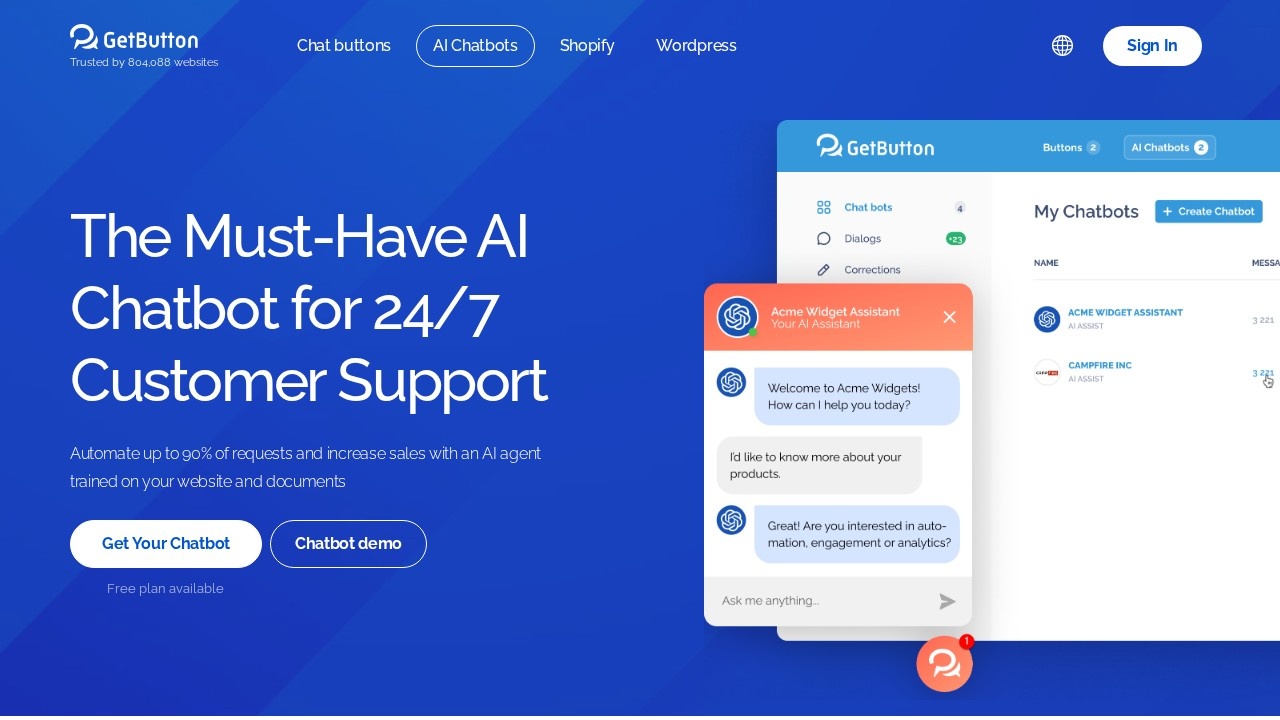
GetButton is known for its website chat buttons, and its AI chatbot product lets site owners add an AI agent trained on their own website content and documents. The bot sits in an on-site chat widget, answers visitor questions around the clock and can collect leads. GetButton says the chatbot can automate up to 90 percent of requests, which is the company's own estimate and will vary with how complete your content is.
How setup works
The setup flow has four steps: choose, customise, boost and activate. You create an AI chatbot, which the site says can be done for free, then pick how it opens, for example in a new tab or a popup on desktop. You can then adjust the widget's appearance and behaviour. The bot is trained on the pages of your website and on files you upload, so answers draw on your own material rather than general knowledge alone.
Customisation
The widget builder offers button colours, and many options are marked as Pro features: custom colours, hover text, a button image, popup display rules for desktop and mobile, form titles, language settings, QR codes, custom messages, pre-filled messages and agent name, position and avatar. Contact forms can collect name, email, phone and message fields. The interface itself is available in many languages, including English, German, Spanish, French, Portuguese, Turkish, Russian, Arabic, Korean and Thai.
Pricing
A free plan is available for creating a chatbot. Many branding and customisation options require the Pro plan. Current Pro prices are listed in the app rather than on the chatbot page, so check them before committing.
Who it suits
GetButton suits small businesses, online shops and service providers that want a simple AI support widget without a developer, especially those that already use GetButton's chat buttons.
Things to consider
Test the bot with real customer questions before going live, and keep your website content up to date so answers stay accurate. Set clear rules for when the bot should pass a conversation to a human. Check how visitor data and leads are stored to meet privacy rules such as GDPR, and add a notice that visitors are talking to an AI. Watch for limits on messages or training pages on the free plan.
Details
- Pricing
- Freemium
- Release date
- 2026-03-02
- Last checked
- 4d ago
- Indexing
- index, follow
- Category
- Chatbot
Suggest an edit
Sign in to suggest an edit.
Alternatives
 CirclechatIf ai chatbots tasks take up too much of your day, Circlechat is built to give you time back. It handles the heavy lifting while leaving you in control. You...
 Watermelon PulseIt fits naturally into daily work. Whether you are handling a single quick task or a batch that would eat an afternoon, the tool keeps the pace steady. Away from...
 Smart InvoicesIf ai chatbots tasks take up too much of your day, Smart Invoices is built to give you time back. It handles the heavy lifting while leaving you in control....
 DokkoA few standout features include quick presets, template support, export in common formats, and the ability to keep recurring projects organized in one place. Built for ai chatbots work, Dokko...
 BlyncSmall operations appreciate the low setup cost, and larger teams value the consistency. Both end up spending less time on busywork and more on the actual result. The feature set...
 CustomgptIf ai chatbots tasks are part of your routine, Customgpt is worth testing against your own use cases. Their website, customgpt.ai, has the full details. Collaboration hooks are there too...
 DeepSeekDeepSeek is a China-based AI lab with a chat assistant (no advertised subscription) and a low-cost developer API offering a reasoning mode and a 1M-token context window.
 ChatPDFChatPDF lets you upload a PDF, Word, PowerPoint or text file and ask questions, with answers that cite the page they came from.
 Gpt Builder Tools By Top RoadThe tool is free, which keeps the barrier to entry low. You can try it before deciding whether it earns a permanent place in your workflow. Built for ai chatbots...
 KimiKimi is Moonshot AI's assistant built on the K3 model, with agent modes for slides, docs, sheets, research and website building.
 Wotnot IoWotnot Io is a focused ai agents solution that answers a clear need. You can see what it does within minutes of opening the page. It also plays nicely with...
 AI BookkeepingThere is a deliberate calm to how AI Bookkeeping works. Loading screens are short, buttons do what they say, and your work is saved where you expect it to be....