


Videoideasai
AI assistant for YouTube creators to generate video scripts and content ideas.
Sign in to rate this tool.
Overview
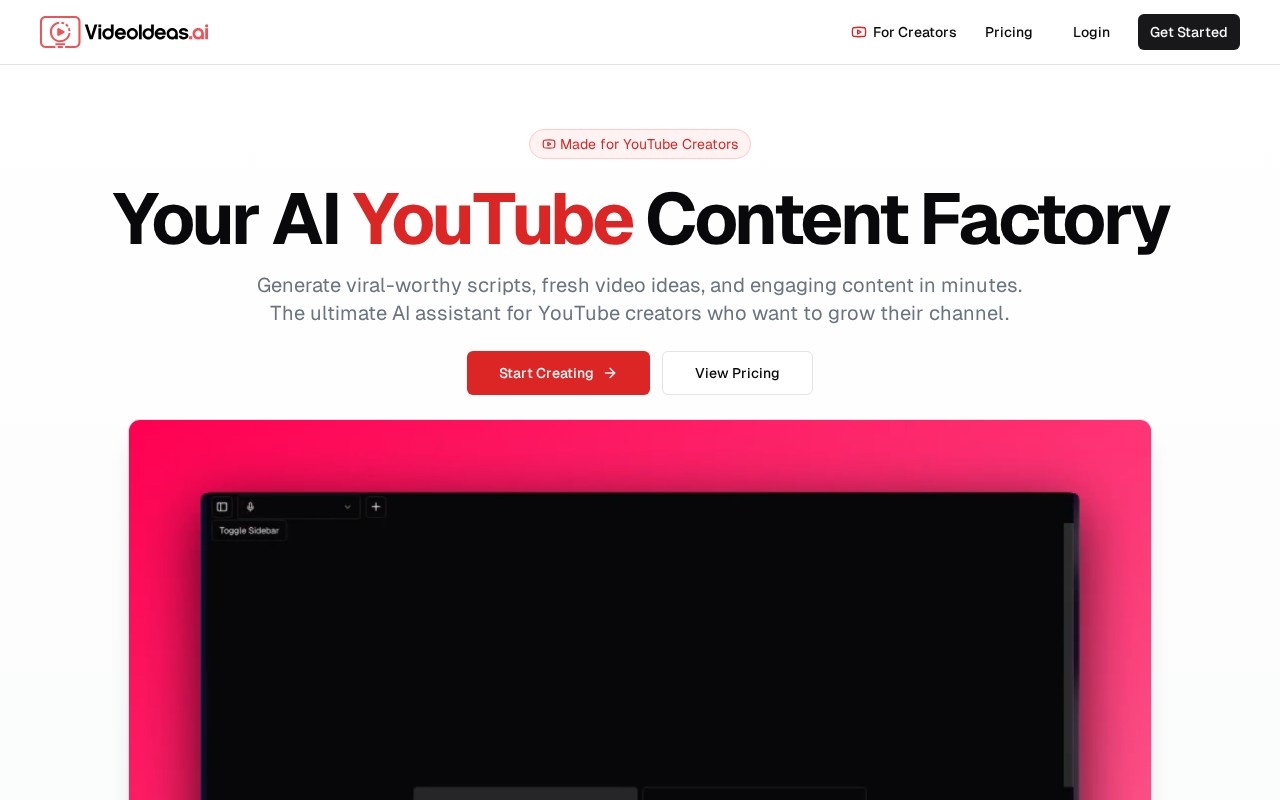
VideoIdeas Studio is an AI video production tool that takes you from a short brief to a finished video. It walks through the stages a human production team would follow: writing a brief, developing a script, building a storyboard and finally rendering the video. Output length ranges from 15 seconds up to 5 minutes, which covers social clips, explainers, product videos and short presentations.
The workflow
- Brief: describe what the video is about, who it is for and the tone you want.
- Script: the AI drafts a script that you can review and edit.
- Storyboard: the script is broken into scenes with visuals planned for each one, so you can see the structure before anything is rendered.
- Render: when you are happy with the plan, the video is generated and delivered as an MP4.
Planning is free
One notable aspect of the pricing model is that the planning stages cost nothing. You can write briefs, generate scripts and refine storyboards without spending credits. Credits are only charged when you choose to render. This lets you iterate on ideas and get the story right before committing, which avoids paying for renders you later throw away.
Key features
- Brief-to-video pipeline with script and storyboard stages.
- Editable scripts and scene plans.
- Videos from 15 seconds to 5 minutes.
- MP4 export.
- Credit-based rendering billed by duration.
Pricing
Render cost depends on the length of the video: longer videos use more credits. Exporting the finished MP4 costs an additional 10 credits. Credit packs and their prices are listed on the site, so check there before planning a large project.
Use cases
Marketers can produce promotional and social videos without a production team. Small businesses can create product explainers. Educators can turn lesson outlines into short videos. Content creators can test ideas quickly through the free planning stage, then render the ones worth publishing. Agencies can use storyboards to get client sign-off before rendering.
Things to consider
AI-generated visuals vary in quality and may not perfectly match a brand's style, so reviewing the storyboard carefully before rendering pays off. Check the terms on commercial use of generated footage and make sure any claims in scripts are accurate, since the AI drafts text that you are responsible for publishing.
Who it is for
VideoIdeas Studio suits marketers, educators, small businesses and creators who want a structured, low-risk way to go from an idea to a finished short video, paying only for what they actually render.
Details
- Pricing
- Paid
- Release date
- 2025-11-04
- Last checked
- 4d ago
- Indexing
- index, follow
- Category
- Video
Suggest an edit
Sign in to suggest an edit.
Alternatives
 Wui AIAI platform to repurpose long videos into viral clips.
 Storyshort AIAI video generator for TikTok & YouTube Shorts, creating faceless viral videos automatically.
 Faceless SoAll-in-one AI tool for generating and auto-posting faceless videos to YouTube & TikTok.
 VexubAI video generator for text, audio, and more.
 Autoreels AIAI tool for creating and automating faceless videos for TikTok, YouTube, and more.
 Facelessvideos AIAI tool to create faceless videos for YouTube and TikTok from a text prompt.
 BoolvideoBoolvideo is a ai video generation assistant that focuses on one thing: making the work easier. It skips unnecessary clutter and gets straight to useful output. There is a deliberate...
 Spikes StudioAI clip generator for viral short videos on YouTube, TikTok, and Reels.
 MalloyMalloy is a platform to hire top video editors.
 Krikey AIThe tool is free, which keeps the barrier to entry low. You can try it before deciding whether it earns a permanent place in your workflow. There is a deliberate...
 Re Create VideoAI-powered app to recreate viral short-form videos.
 VidnarrateAI-powered tool for generating faceless videos easily.