


Piktochart Com
Piktochart is an AI-powered infographic and visual content creation platform for various professional needs.
Sign in to rate this tool.
Overview
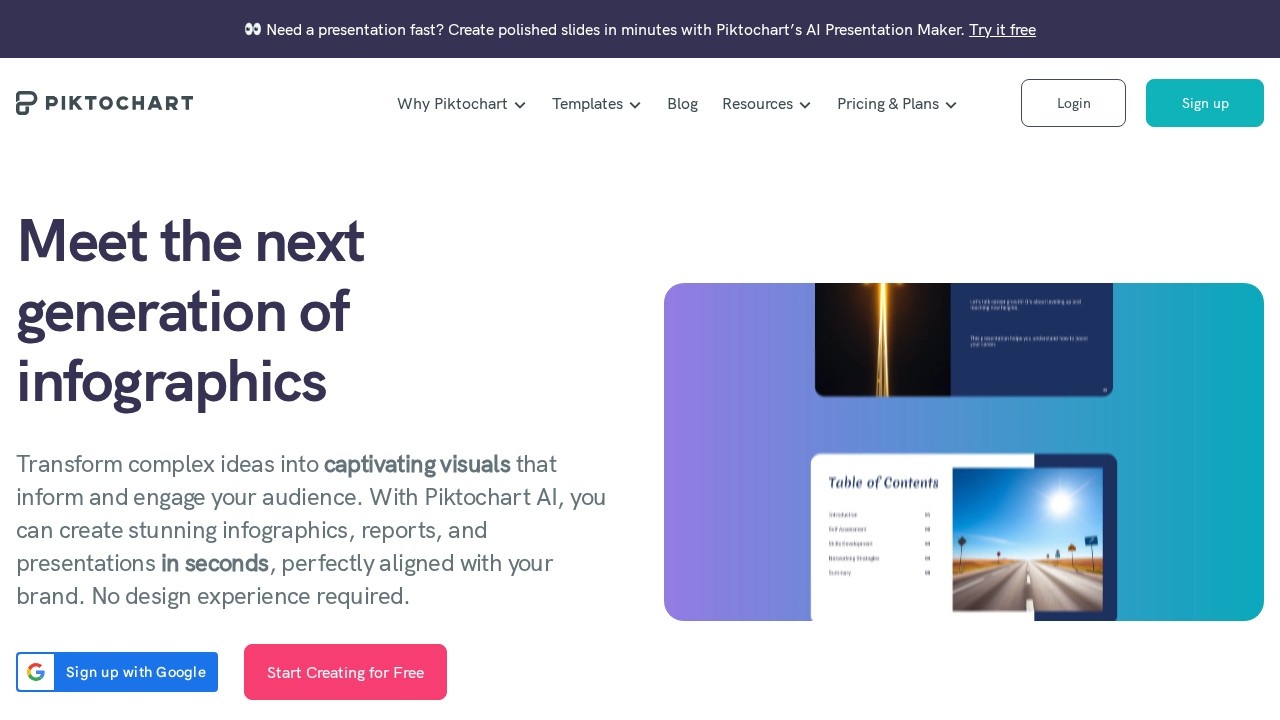
Piktochart is a cloud‑based application that lets you design infographics, reports, and presentations without needing a background in graphic design. The site shows an AI presentation maker that builds polished slides quickly, and it also advertises a contemporary AI video tool that can create short clips from textual descriptions. The platform is aimed at professionals, educators, marketers, and small business owners who want visual materials that look consistent with their brand.
You start by choosing a template: there are categories for infographics, charts, whitepapers, and slide decks. Once a template is selected, you can replace placeholder text, tweak colors, and import images. For the AI‑powered sections, you enter a prompt or an idea, such as “sales growth chart for 2023”, and the system returns a ready‑made layout in a few seconds. The output is a visual that can be downloaded or shared directly from the editor. The AI presentation maker similarly accepts keywords related to the topic and outputs a set of slide decks that you refine further. The video feature lets you type a description of a scene, including setting, tone, and subject matter. The platform then stitches together frames using the Sora 2 or Veo 3.1 models, producing a clip that emulates a camera render. You can export the video in multiple aspect ratios, 16:9 for YouTube, 9:16 for TikTok, by toggling a single setting.
Ideal users are anyone who needs to produce engaging content quickly: teachers wanting to visualise lesson plans, marketers needing infographics for social media, or business teams preparing reports. The tool also serves teams that want a single platform to replace several design applications; the site highlights how a user paid for fewer programs by switching to Piktochart. However, the listing does not describe any advanced design features such as custom font licensing or precise vector editing beyond the template controls. There is no mention of API access, so automated bulk creation is uncertain. The tool appears best suited for those who prefer template‑based design over fully custom creation.
Key features
- AI presentation maker that generates slide decks from prompts
- Template library for infographics, reports, and whitepapers
- AI layout engine that creates visuals from input data
- AI video generator with Sora 2/Veo 3.1 rendering
- Export options for multiple aspect ratios
Details
- Pricing
- Free
- Release date
- 2026-05-12
- Last checked
- 6h ago
- Indexing
- noindex, follow
- Category
- Writing
Suggest an edit
Sign in to suggest an edit.
Pros and cons
Pros
- Quick visual creation without design software experience
- Integrated AI that speeds up layout for both static and video content
- Maintains brand consistency across templates
Cons
- Pricing information is not disclosed publicly
- Limited detail on advanced customization or API availability
- No explicit mention of data privacy or export file formats beyond standard image/video options
Alternatives
 Deepreel ComIt fits naturally into daily work. Whether you are handling a single quick task or a batch that would eat an afternoon, the tool keeps the pace steady. The tool...
 InstationFor a straightforward look at an option like this, Instation is a sensible place to start. Visit instation.app to see live examples and up-to-date details. You will find a free...
 Social BellowAI content generator for brainstorming, advice, and interactive conversations.
 MalloyMalloy is a platform to hire top video editors.
 123rf AI Search EngineThe tool may appeal to individuals and teams looking for help with ai...
 DALL-E 3DALL·E in ChatGPT review (October 2026): DALL·E is retired; what ChatGPT Images now offers, plan access, pricing, pros, cons and alternatives.
 Popai ProIt also plays nicely with the rest of your stack. Links and files move in and out easily, so the tool sits naturally beside the software you already rely on....
 RunninghubThe tool is free, which keeps the barrier to entry low. You can try it before deciding whether it earns a permanent place in your workflow. There is a deliberate...
 Free Outline Image GeneratorFreelancers use it to keep client work moving, while in-house teams rely on it for consistent output across projects. Either way, the routine parts of ai image generation work get...
 FlickifyaiAI platform to generate viral videos effortlessly and quickly.
 Canva AICanva Magic Studio review (October 2026): Canva's AI design tools, Magic Write, Magic Edit, Magic Media, plans, AI usage limits, pros and cons.
 VidnarrateAI-powered tool for generating faceless videos easily.