


Composio
It fits naturally into daily work. Whether you are handling a single quick task or a batch that would eat an afternoon, the tool keeps the pace steady. It also...
Sign in to rate this tool.
Overview
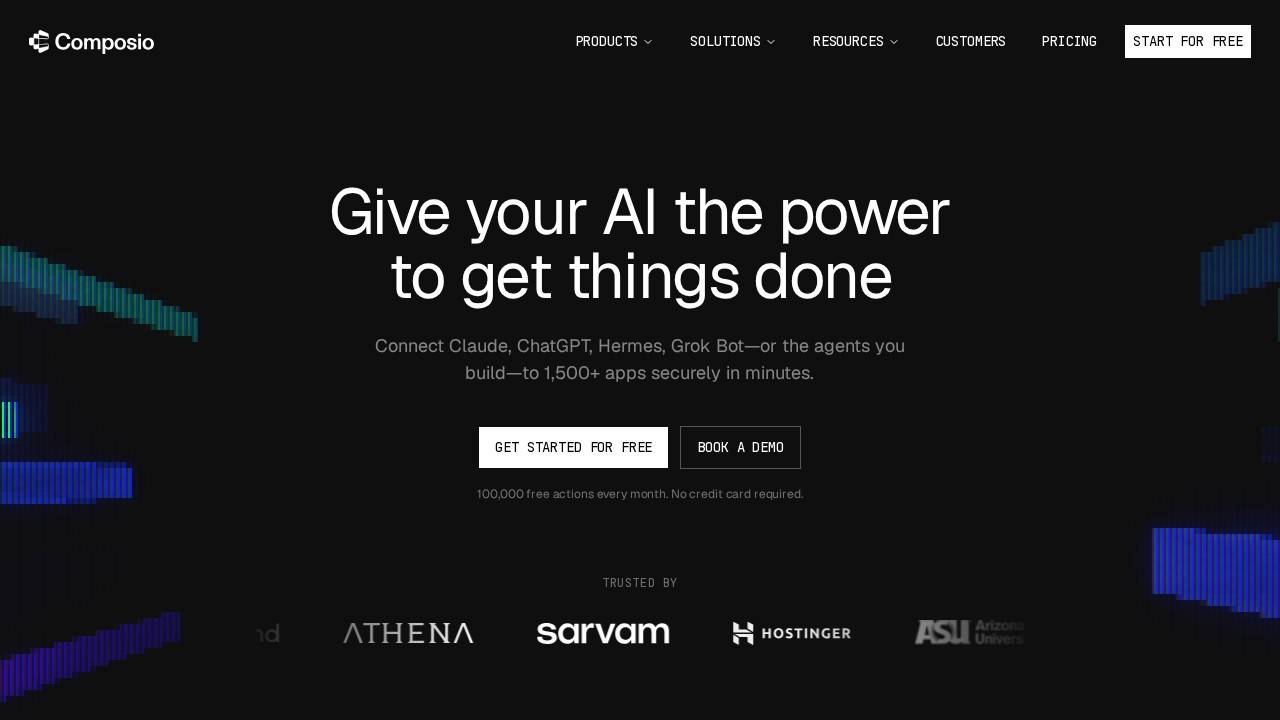
Composio is a platform that gives AI agents secure access to external apps and tools. It says it connects to more than 1,500 apps, so an assistant such as Claude, Codex or Cursor, or an agent you build yourself, can find information, update records and finish tasks across services like email, CRM, project management and developer tools, with the user kept in control.
Products
For individuals, Composio lets you plug the AI you already use into your apps. A CLI adds tools and authentication to a coding agent with one command. For builders, the developer platform provides SDKs, tool execution and authentication infrastructure, handling the OAuth flows and API keys that otherwise take a lot of work to build. The MCP Gateway offers one managed Model Context Protocol endpoint for all your tools and agents. Enterprise features include SSO, governance and audit controls for rolling out agents across an organisation.
Firewall and Instant
Composio Firewall is a newer feature that lets you set rules for what agents may do and blocks instructions hidden in tool results before the agent reads them, a defence against prompt injection. Instant provides ready audio, video, search, browser and data tools without managing separate keys.
Use cases
The site lists solutions for sales, marketing, product and design, customer support, engineering, HR and recruiting, finance and operations, e-commerce, content and IT and security, plus toolkits, documentation, a blog and a benchmark.
Pricing
Developers can sign up and start for free. Paid tiers with higher usage and enterprise plans are available; check the pricing page for current limits.
Who it suits
Composio suits developers building agents that must act in real software, and teams that want their existing AI assistants to work across company apps.
Things to consider
Giving an agent write access to your accounts carries real risk. Grant the narrowest permissions possible, require confirmation for sensitive actions such as sending email or deleting data, and review audit logs. Test workflows on sandbox accounts first.
A sensible first project is connecting a single app, such as your calendar or issue tracker, and asking your agent to complete one routine task end to end before adding more tools. Watching how it handles that one workflow shows where you need extra rules.
Details
- Pricing
- Freemium
- Release date
- 2026-03-15
- Last checked
- 3d ago
- Indexing
- index, follow
- Category
- Agents
Suggest an edit
Sign in to suggest an edit.
Alternatives
 CirclechatIf ai chatbots tasks take up too much of your day, Circlechat is built to give you time back. It handles the heavy lifting while leaving you in control. You...
 Wotnot IoWotnot Io is a focused ai agents solution that answers a clear need. You can see what it does within minutes of opening the page. It also plays nicely with...
 Upwork Business Developer MydevagentsYou are not locked into a single way of doing things. Upwork Business Developer Mydevagents supports your existing habits instead of forcing a new one, which makes adoption within a...
 TavilyThe feature set covers the basics well and adds thoughtful extras - keyboard shortcuts, reusable templates, and clean sharing options - without overwhelming you. Freelancers use it to keep client...
 MindstudioYou are not locked into a single way of doing things. Mindstudio supports your existing habits instead of forcing a new one, which makes adoption within a team much smoother....
 Featherless LlmBefore you decide, skip the speculation and look at the source. featherless.ai shows exactly what Featherless Llm does today and how to get started with it. Featherless Llm brings a...
 FlowsavvyFor anyone who lives in the ai agents space, Flowsavvy is a refreshing find. The setup is light, the results are solid, and nothing is hidden behind menus. It also...
 Voqusa Instagram TranscriptTeams running regular ai agents campaigns turn to it for repeatable output, and solo creators use it to push through tasks that would otherwise stall their day. It is a...
 NopsThe official website is the most reliable source for the current feature set, system requirements,...
 Autocalls AI AI Phone CommunicationsThe feature set covers the basics well and adds thoughtful extras - keyboard shortcuts, reusable templates, and clean sharing options - without overwhelming you. Before you decide, skip the speculation...
 Resleeve AITeams running regular ai image generation campaigns turn to it for repeatable output, and solo creators use it to push through tasks that would otherwise stall their day. The tool...
 LitellmThe tool has been refined through real use. Settings, history, and templates are organized so repeat work takes less effort each time. Litellm brings a fresh take on ai education...